Welcome to PTC Orbit Help Center
Welcome to the Online Documentation portal of PTC Orbit. This Help Center contains the latest information on installation, configuration, and usage of the application.
PTC Orbit is a cloud-based application designed to aggregate asset-related information from multiple sources. It displays this data with accuracy in a unified format, creating a unified profile of an asset that can be utilized by various business personas to meet their specific requirements.
What Do You Want Help With?
 |
 |
 |
 |
 |
 |
 |
 |
 |
 |
Comprehensive 360° Asset Visibility
Gain a unified, accurate profile of every asset by aggregating data from multiple sources like ServiceMax Core and Windchill.
• Flexible Views: Visualize assets the way you work using List, Group, Location, and Map views.
• Hierarchical Navigation: Drill down into asset details through intuitive account, site, and building hierarchies to locate equipment quickly.
• Global Mapping: Track asset distribution geographically with interactive clusters and critical status indicators.
Data Integrity and Governance
Ensure your business runs on clean, reliable data using the Data Foundry module.
• Automated Matching Rules: Prevent data clutter by automatically identifying and grouping duplicate records from external systems.
• Survivorship Logic: Automatically retain the "most trusted" data points when merging records to create a single source of truth.
• Data Review: A dedicated staging area to validate flagged records before they sync to production, ensuring only high-quality data enters your workflows.
Actionable Insights and Scoring
Move from reactive to proactive maintenance with advanced analytics and scoring models.
• Asset Scoring: Define custom formulas to calculate risk, health, and opportunity scores, such as Failure Risk, Sustainability Score, based on weighted factors.
• Interactive Dashboards: Monitor KPIs, asset health trends, and open work orders through customizable charts and visualizations.
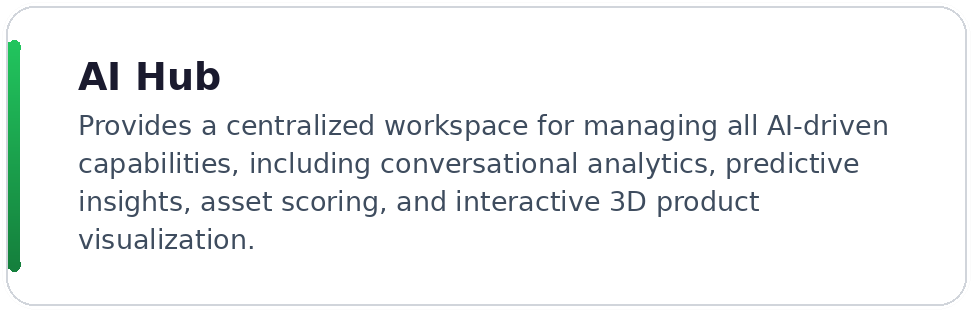
• AI Hub: Use natural language to query your data, such as Show me assets with high failure risk in Boston, and generate instant visualizations.
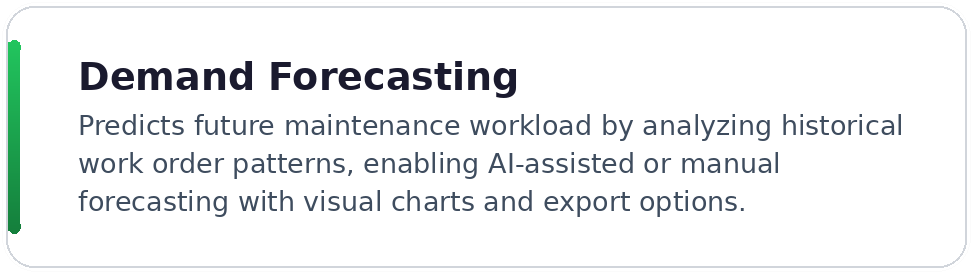
• Demand Forecasting: Predict future service workload using AI-assisted or manual forecasting based on historical work order patterns, enabling data-driven staffing, budget planning, and resource allocation across regions.
• 3D Product Explorer: Render interactive 3D models of Windchill products directly within PTC Orbit, navigate the Bill of Materials, perform spatial parts searches, and support remote diagnostics without switching to an external CAD tool.
Proactive Service Operations
Streamline service delivery and capitalize on business opportunities.
• Service Campaigns: Standardize and automate recurring maintenance or inspections across large volumes of assets, ensuring compliance and reducing administrative overhead.
• Revenue Campaigns: Drive growth by launching targeted initiatives for upgrades, renewals, or cross-selling opportunities directly linked to customer accounts.
• IoT Integration: Manage Pending Items such as IoT alerts and operator requests directly within the platform, converting critical alerts into work orders instantly.
• Work Order Management: Track, filter, and manage all asset-related work orders by priority, status, assigned technician, and schedule using Admin Presets and customizable list views, ensuring timely execution and complete service history visibility.
Tailored User Experience
Deliver the right information to the right people.
• Role-Based Access: Configure specific roles, such as Asset Manager, Field Technician, to ensure users see only the data and tools relevant to their job.
• Customizable Interface: Administrators can design bespoke Forms and List Views to control exactly how data is presented, filtered, and edited for different teams.
Additional Resources
• For information on PTC Orbit release calendar and release highlights, see PTC Orbit Release Notes.
• For information on the PTC Orbit application for administrators, see PTC Orbit for Administrators.
• For information on the PTC Orbit application for end-users, see PTC Orbit for End Users.