Action Icons in Related Object Sections
The Action icons provide users with options to manage child records within a Related/Child Object Section.
The following screen displays the Reorder and Add Field icons in Related Object Sections:
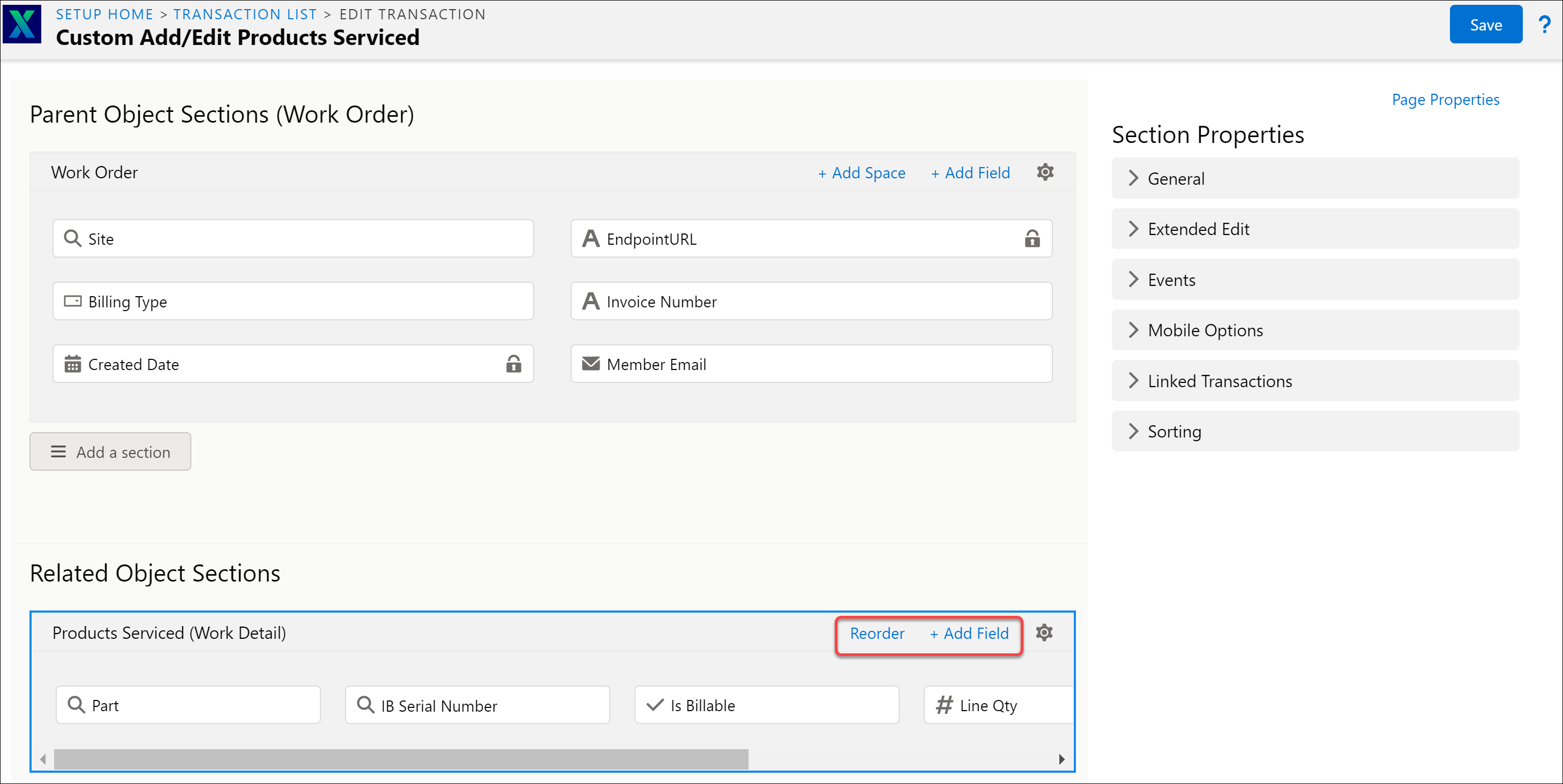
The following table lists the Action icons of the Related Object Sections.
|
Related Object Sections Action Icons
|
Description
|
|---|---|
|
Add Field
|
This displays a list of fields associated with the selected Related/Child Object Sections. You can select multiple fields from the list. There is an option to map a field to a column, and accordingly, it is added to the section column on confirmation. Fields are selected from the pop-up list displayed. You can select fields and disable them. You can select a field only once in any given section.
|
|
Reorder
|
This rearranges the sequence of the fields. You can drag and drop the fields within the sections. The Done Reordering button displays the fields in the preferred sequence with the rearrangement.
|