Refining Job Search Results
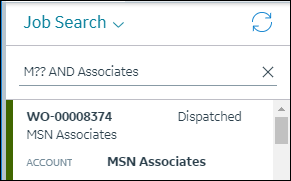
When you search for Jobs, you can refine your results by using quotes, operators and wildcard characters in your search terms.
• Quotes: To exactly match search keywords, you can enclose terms in single or double quotes.
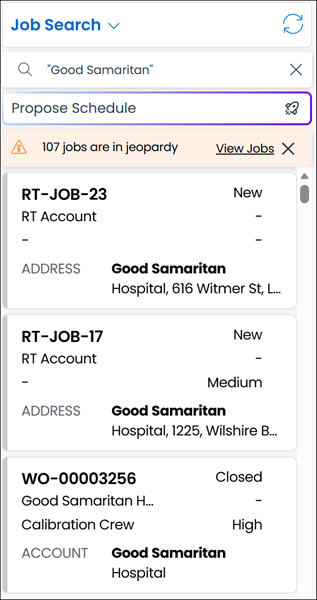
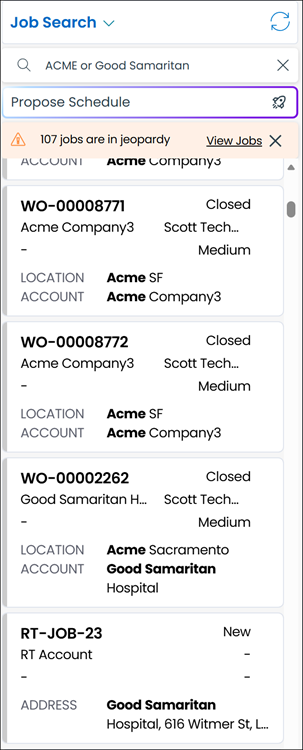
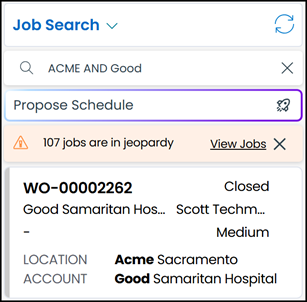
• Operators: You can use the AND and OR operators in search terms to combine keywords.
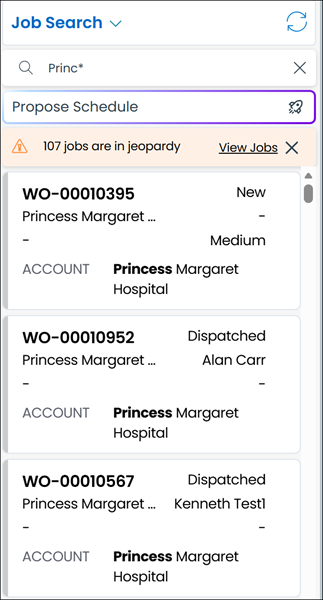
• Asterisks: You can use asterisk (*) wildcard characters to find text that contains search terms within longer strings. You can use asterisk wildcard characters to match zero or more characters in a search string, which means that asterisks match word spaces or blank characters. When you use a search string that has only numeric characters, the asterisk is automatically appended to the end of the string you enter to include more records in search results.
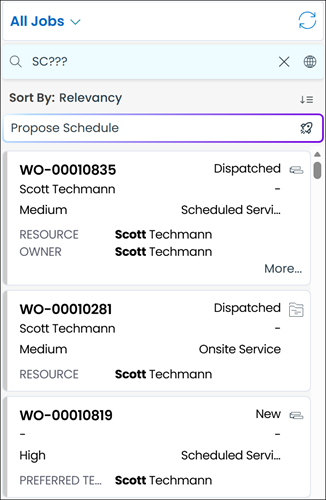
• Question Marks: You can use one or more question mark (?) wildcard characters to match single characters. Each question mark represents a single character. This wildcard character can be very useful in cases where you know only partial values.
Refining Job Search Results in Classic Mode
 | The Classic user interface retires on November 8, 2026. All features are available in the Service Board Modern interface. We recommend switching to Service Board Modern at your earliest convenience to access the latest features. |
When you search for Jobs, you can refine your results by using quotes, operators and wildcard characters in your search terms.
• Quotes: To exactly match search keywords, you can enclose terms in single or double quotes.

• Operators: You can use the AND and OR operators in search terms to combine keywords.
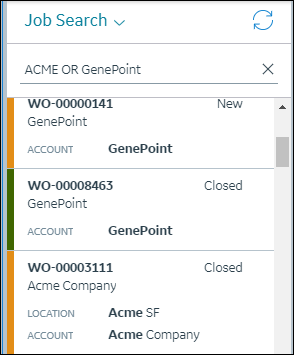
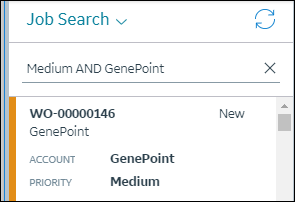
• Asterisks: You can use asterisk (*) wildcard characters to find text that contains search terms within longer strings. You can use asterisk wildcard characters to match zero or more characters in a search string, which means that asterisks match word spaces or blank characters. When you use a search string that has only numeric characters, the asterisk is automatically appended to the end of the string you enter to include more records in search results.
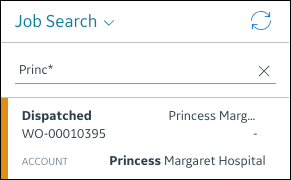
• Question Marks: You can use one or more question mark (?) wildcard characters to match single characters. Each question mark represents a single character. This wildcard character can be very useful in cases where you know only partial values.
Related Topics