Editing a Picklist
When adding or editing an attribute, you can update the picklist definition by modifying its Name, Description, and Values based on your requirements.
To edit a picklist:
1. In a Technical Attribute Template, go to a Section and click Add New Attribute.
The New Attribute pop-up window is displayed.
2. Provide the details for the fields based on your requirements. For more information, see Adding a Picklist Attribute.
3. In the Select Picklist, select a picklist from the drop-down.
4. Click View link.
The Edit Picklist Definition pop-up window is displayed.
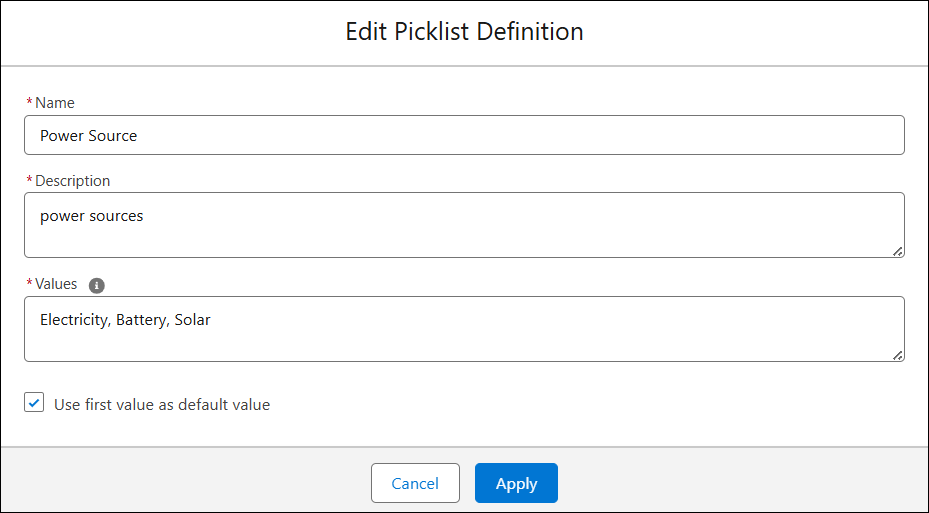
5. Modify the required fields and click Apply.