Message Center
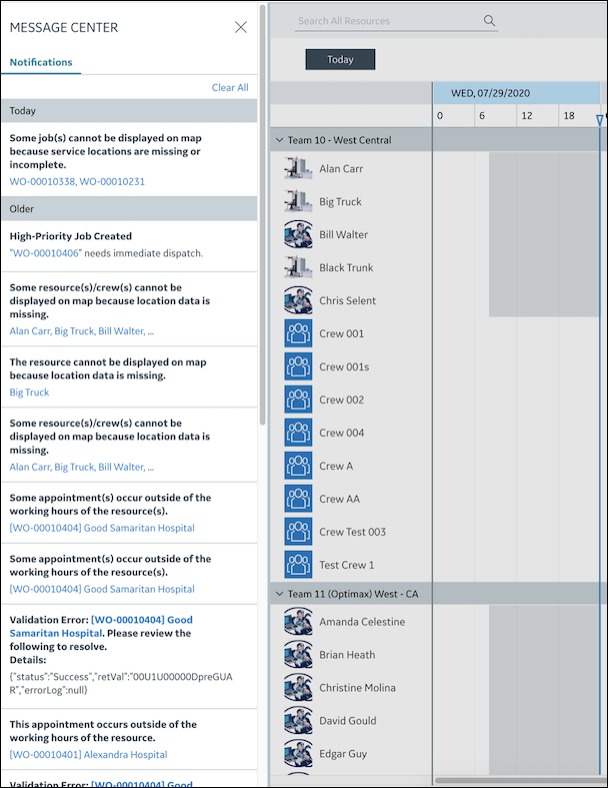
Busy dispatchers can easily miss briefly displayed notification messages. You can view all recent unread notifications that impact your work in Message Center. When you click notifications, various Service Board options and features are initiated to help you quickly find associated Jobs and Resources and take appropriate action. When new unread notifications are available, the Message Center icon is marked with a red dot in the Navigation Bar, which you can click to open the Message Center pane.
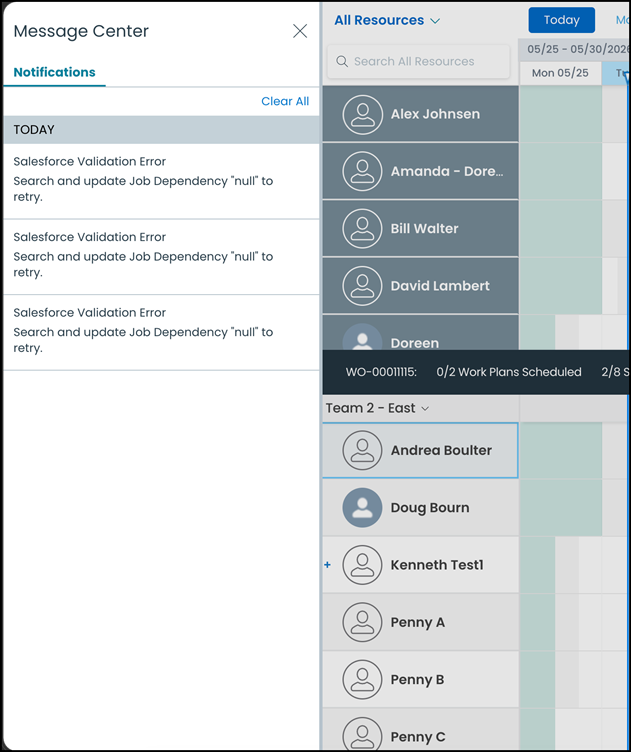
Message Center in Classic Mode
 | The Classic user interface retires on November 8, 2026. All features are available in the Service Board Modern interface. We recommend switching to Service Board Modern at your earliest convenience to access the latest features. |
Related Topics