Crew List
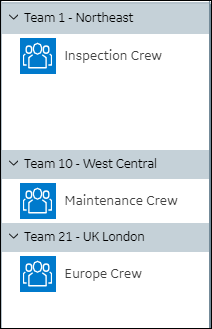
The Crew List appears on the left side of the Crew Calendar, and shows all Crews that you manage. Entries are grouped by Service Teams in alphabetical order. You can expand and collapse Service Team groups to show or hide their Crews. Each Crew has a context menu with options to edit or deactivate it on Service Board or view detailed information on Salesforce.
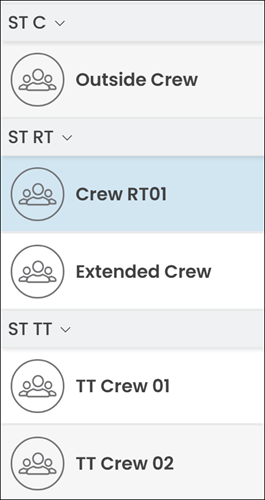
Crew List in Classic Mode
 | The Classic user interface retires on November 8, 2026. All features are available in the Service Board Modern interface. We recommend switching to Service Board Modern at your earliest convenience to access the latest features. |
The Crew List appears on the left side of the Crew Calendar, and shows all Crews that you manage. Entries are grouped by Service Teams in alphabetical order. You can expand and collapse Service Team groups to show or hide their Crews. Each Crew has a context menu with options to edit or deactivate it on Service Board or view detailed information on Salesforce.
Related Topics