Viewing Additional Question Responses
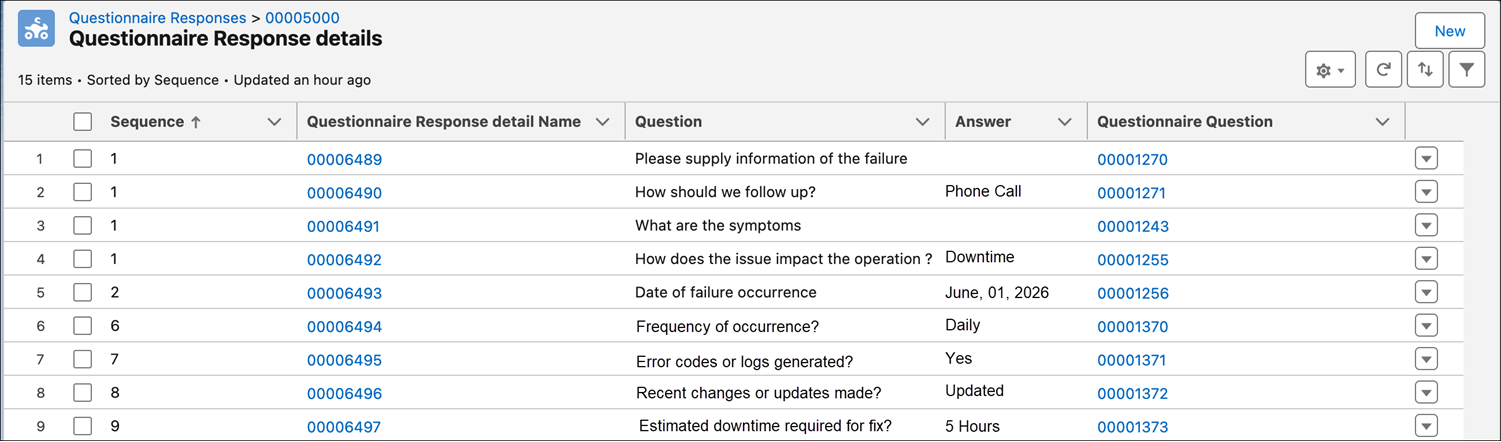
You can open the additional questions response record directly from a customer request and use that linkage in reporting workflows.
To view linked additional question responses for requests:
1. Click App Launcher.
2. Click Customer Requests.
3. Click a request record that includes additional questions.
4. Click the value in Additional Questions.
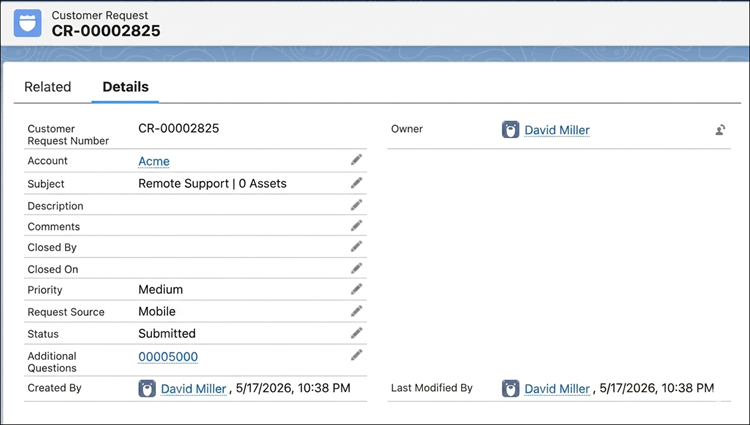
You can view the linked additional questions response from the request record.
Related Topics