Reordering Template Match Rules
You can reorder Template Match Rules to prioritize them and control the execution sequence according to your requirements.
To reorder Template Match Rules:
1. From the Home page, go to the Attribute Templates tab.
2. Click Template Match Rules.
The Template Match Rules page is displayed with the list of existing rules.
3. Click Reorder Rules.
The Reorder Rules pop-up window is displayed.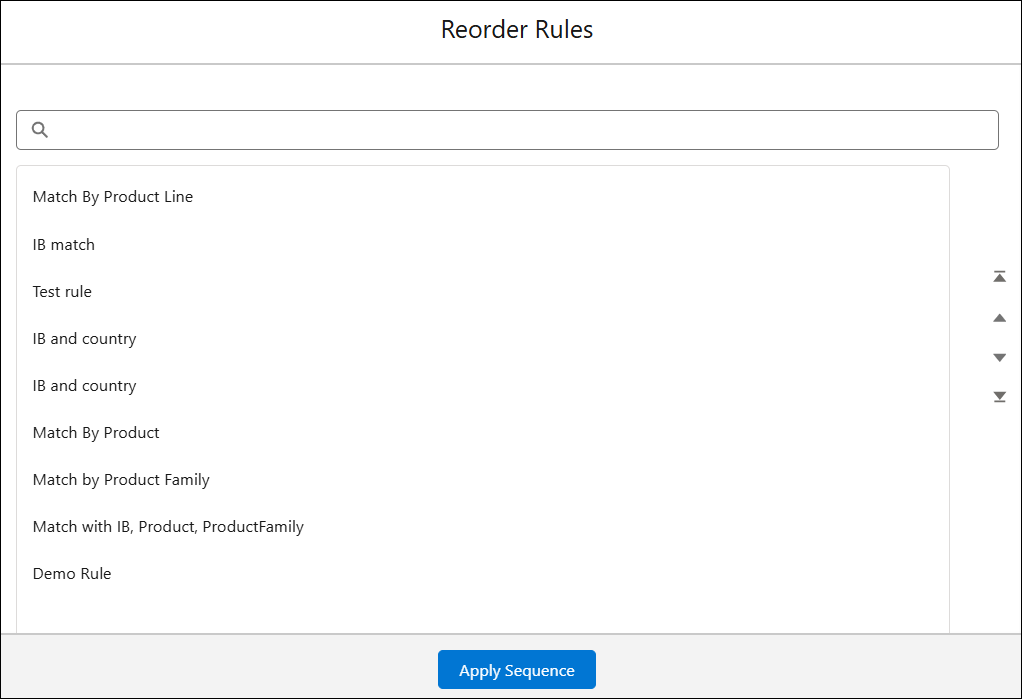
4. Select a rule and use the Move Up and Move Down options to rearrange it.
5. Click Apply Sequence.
The updated sequence is displayed in the Template Match Rules page.