Removing a Section
To remove a section:
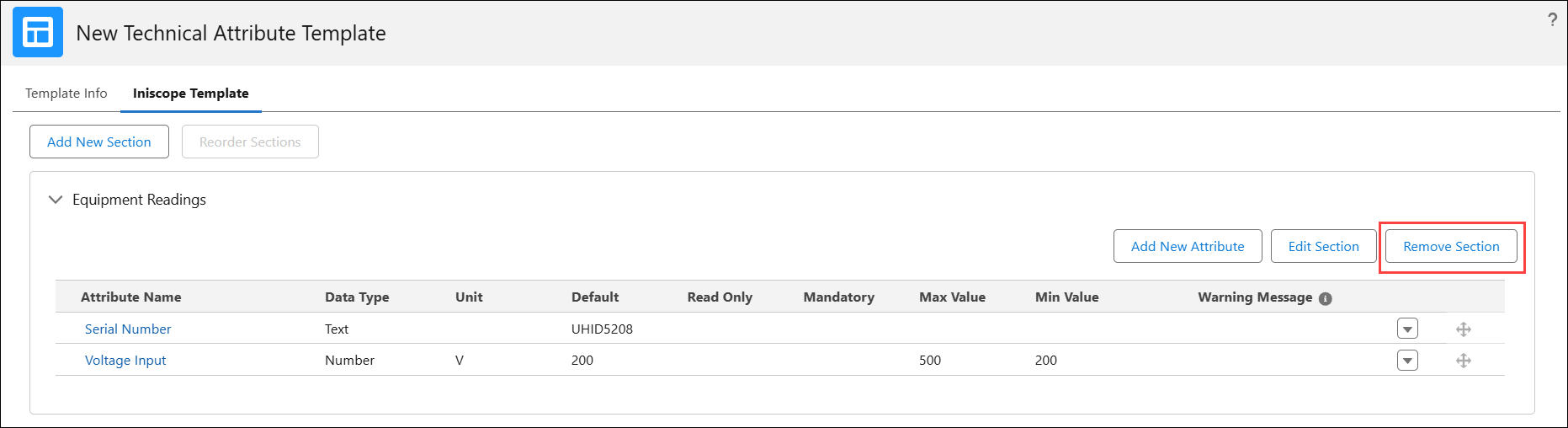
1. In a Technical Attribute Template, go to the template tab, where you can add sections and attributes. For more information, see Adding a Section.
The list of sections and related attributes is displayed.
2. Go to a Section and click Remove Section.
The Remove Section pop-up window is displayed.
3. Click Confirm.