Initiating Price Calculation in 25.1
You can initiate a price calculation for a Work Order using Get Price button on an OOTB SFM, Manage Work Order Lines - Usage. This operation calculates the total billable price for the Work Detail Line items.
To launch Get Price:
1. From the Home page, open a Work Order record.
2. Go to the Details tab and click the Manage Work Order Lines - Usage SFM.
The Manage Work Order Lines - Usage page is displayed.
3. Click Get Price.
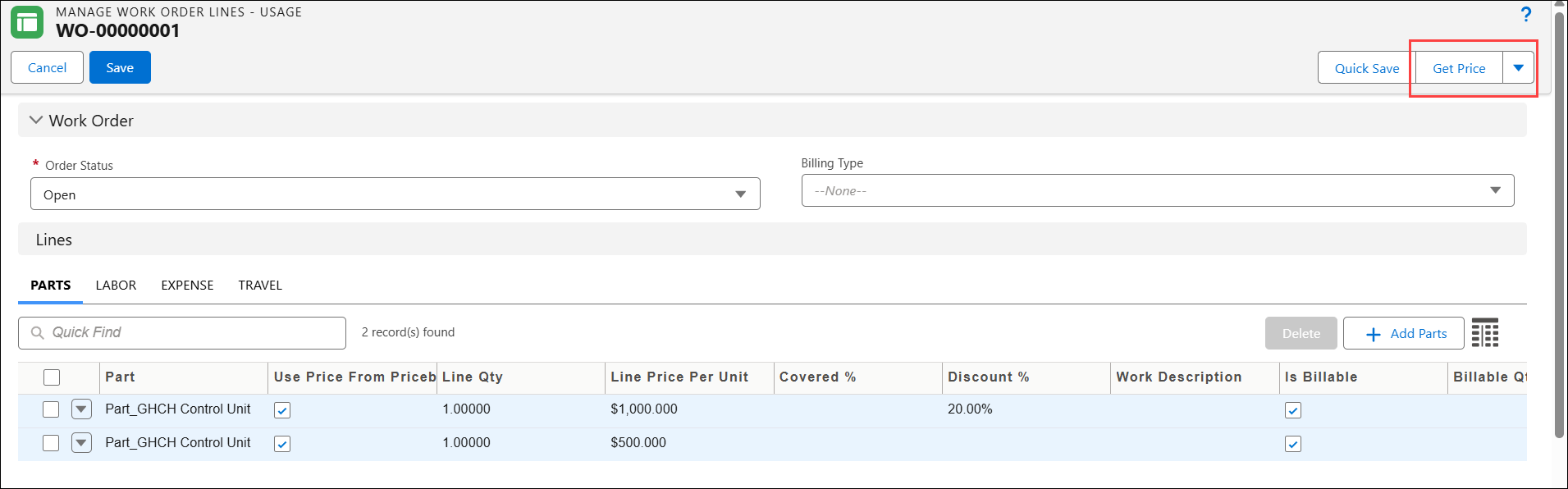
 |
If the Manage Work Order Lines – Usage SFM includes the Work Order’s price book fields on the page layout, the pricing engine reads the price book information from these fields when you perform Get Price.
|