Criteria Tab
In the Criteria tab of the PM Process, you can configure the expressions to determine how PM plan records qualify for Work Order creation.
To configure the Criteria tab:
2. Click Select Expression. The Select Expression pop-up window is displayed.
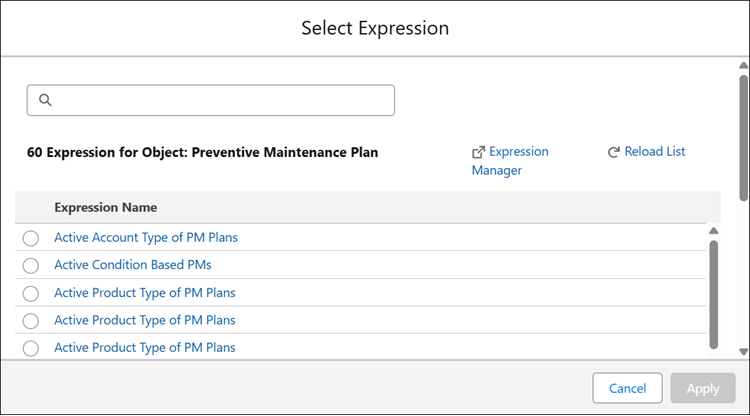
3. Search and select an expression from the list of expressions. The applied Expression is displayed in the Criteria tab with relevant details.
 |
• You can create new expression by clicking the Expression Manager option, which launches the SFM Expression manager in a new tab. For more information, see SFM Expressions.
• You can clone an existing expression by selecting an SFM Expression and clicking the Clone Expression. You can then edit the Expression Name, Description, Operator, Value, and add new conditions. The cloned expression will be saved as a new SFM Expression when the PM Process is saved.
|
4. Click Next to proceed with the PM Process configuration.
Related Topics