Adding a Service Task to Work Order in 25.2
You can add service tasks directly to the work order. These can be specific instructions independent of service products added to the work order.
To add a service task to a work order:
1. Open the work order for which you want to add the service task.
2. Click the Service Products & Tasks tab.
Associated service products, service tasks, or work plans, if any, are displayed.
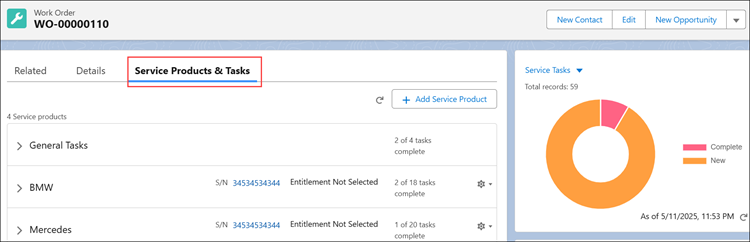
3. Click the General Tasks section to expand it.
Already associated work plans and tasks, if any, are displayed.
4. Click Add Task to add a service task to the work order.
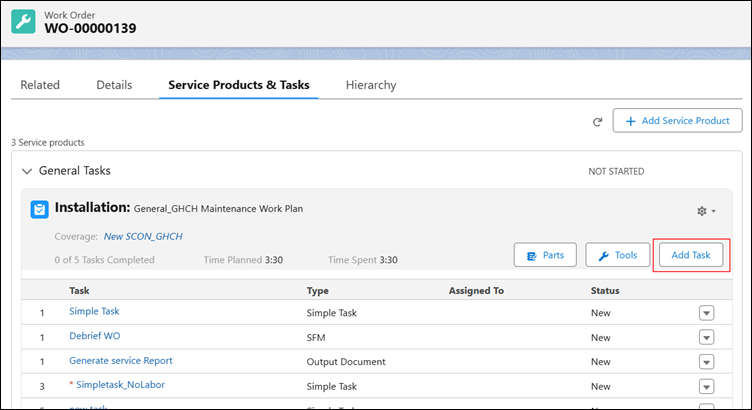
The Add Service Task modal window is displayed.
5. Add any of the following types of service tasks:
◦ Simple
◦ SFM
The service tasks you added are displayed in the Service Products & Tasks tab of the work order under the General Tasks section.