Creating an Org-Wide Profile
In the Org-wide Profile, the configured settings apply to the entire org, regardless of Salesforce profiles or user assignments. There can be only one active Org-wide Profile in an org, and it is not associated with any Salesforce profile as it is applicable to all the users in an org.
To create an org-wide profile:
1. Go to > > . The Configuration Profiles list view page is displayed.
2. Click the Org Profiles tab. The Org Profiles is displayed with the active org profile.
3. Click +New Org Profile. The new Org Profile page is displayed.
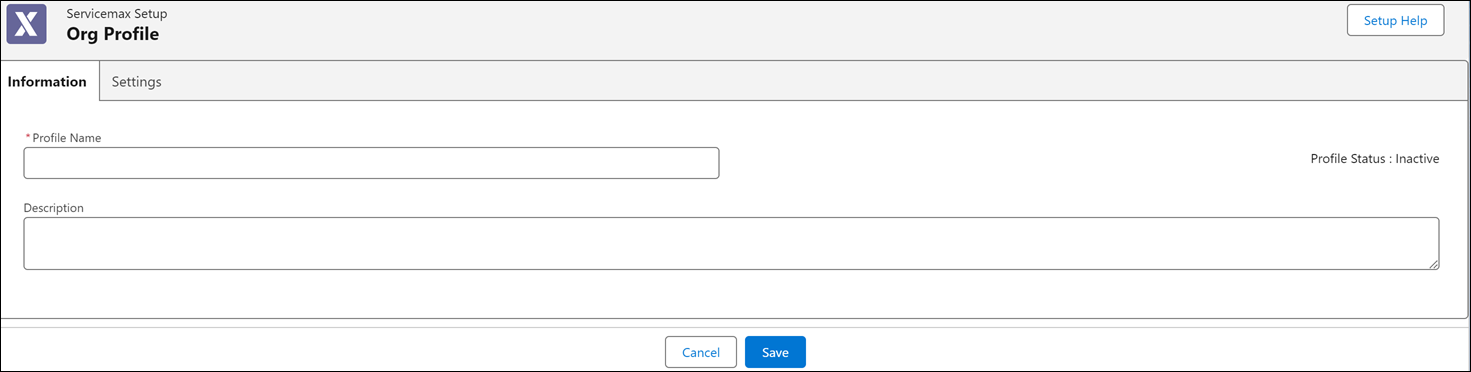
4. In the Information tab, enter a unique Profile Name and Description.
 |
The Profile name must be alphanumeric and can contain spaces.
|
5. Click Save.
|
|
A new org profile is saved with the Inactive status, as only one org profile can be active at a time.
|