Managing Applies To Items in a Work Plan in 25.1
After you add the Applies To items to the work plan, you can manage the items as per your requirements. The Applies To items are displayed in the Applies To tab of the work plan, with the tab name and a number indicating the current number of items added to the work plan.
The Applies To items are displayed in the tabular format.
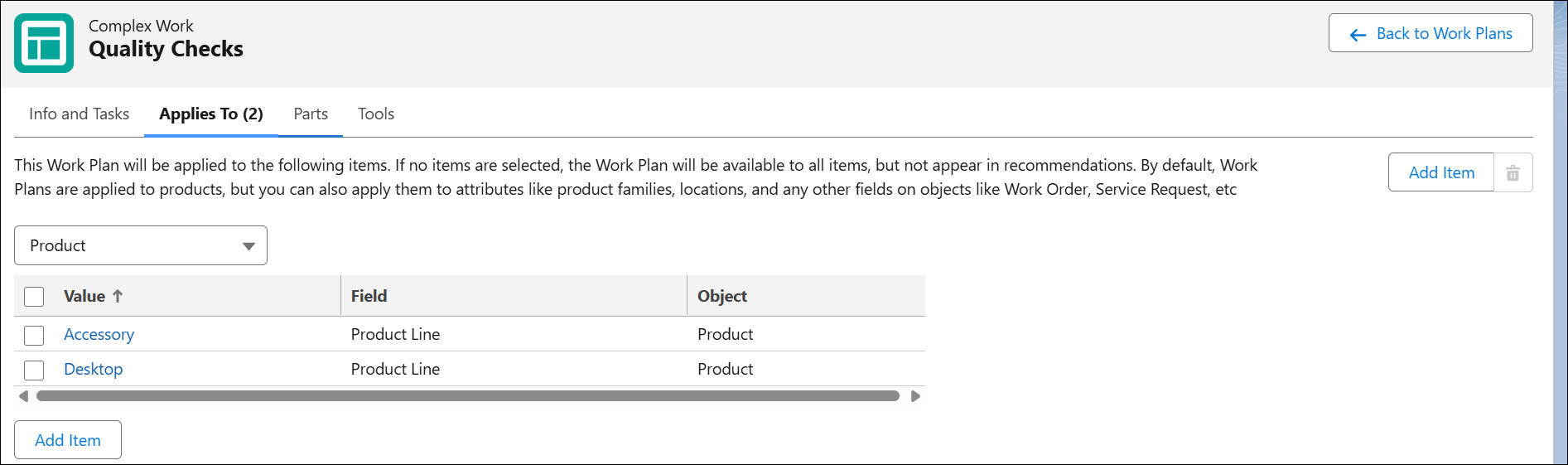
You can perform the following actions in the Applies To tab:
• Sort the items: You can sort the items in the Applies To tab in alphabetical order in either of the columns.
• Delete any item.
Deleting an Applies To Item from a Work Plan
To delete any of the existing items from the Applies To tab of the work plan:
1. Navigate to the Applies To tab of the work plan.
2. Click Delete icon next to the item you want to delete.