Managing Translations for a Work Plan from the Work Plan Library
From the Work Plan Library, you can view and manage translations for a specific Work Plan.
To manage translations for a specific Work Plan from the Work Plan Library:
1. From the Home page, go to the Work Plan Library.
The Work Plan Library page is displayed with the list of Work Plans.
2. Open a Work Plan.
3. On the top-right, click Manage Translations.
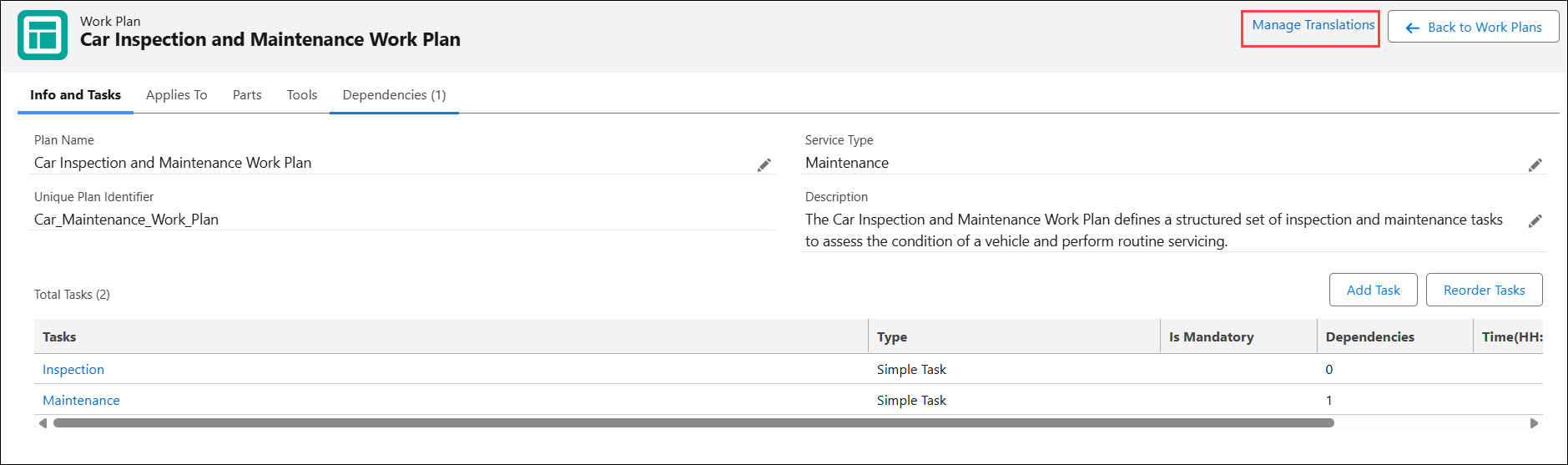
The Manage Translations page is displayed for the selected work plan.
4. Add or modify translations based on your requirements. For more information, see Adding Translations for a Work Plan.
5. Click Save.
The translated text is displayed when technicians or planners access work plans and related tasks details under Work Orders, Service Products, and Service Tasks lightning tab.