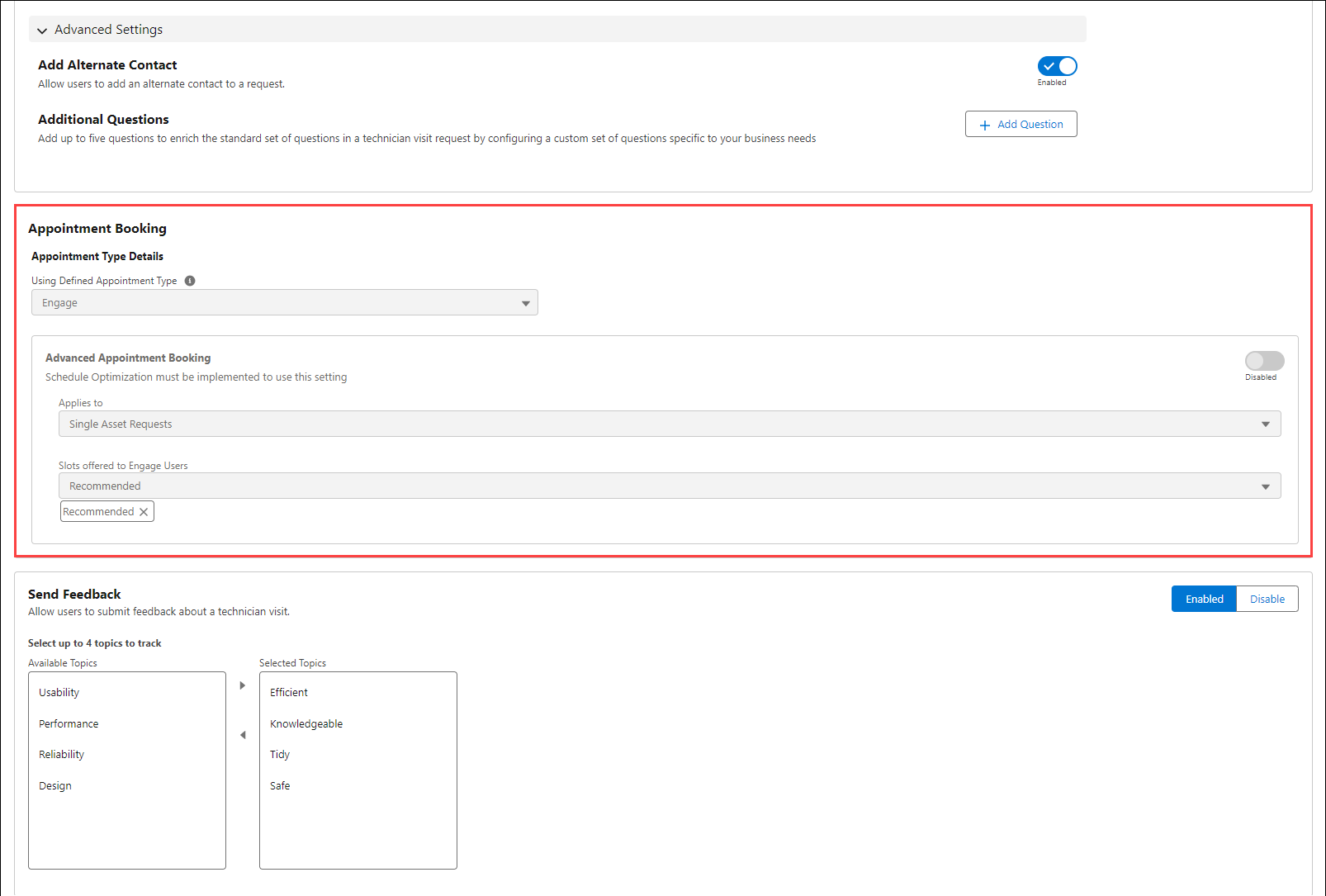
Configuring Appointment Booking
To configure Appointment Booking:
1. Navigate to > > > .
2. Ensure Using a Defined Appointment Type is Engage.
3. Click the toggle button to enable or disable.
4. Select Single Asset Requests in Applies to the dropdown menu.
5. Select from the following options for Slots offered to Engage Users. You must enable Real-Time Optimization in your org. For more information see Real-Time Optimization.
◦ Recommended
◦ OK
◦ Poor
6. Click Save to apply the changes.