Viewing Depot Request Rules
To view Depot Management Rules:
1. From the Home page, go to ServiceMax Setup > Depot Service Manager > Depot Configuration Rules.
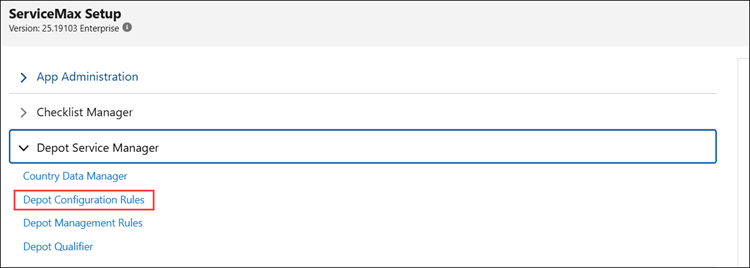
The Depot Configuration page is displayed.
2. Using the Search bar, search for the required Depot Request rules.
Related Topics