Sorting Queue Items in Summary Mode
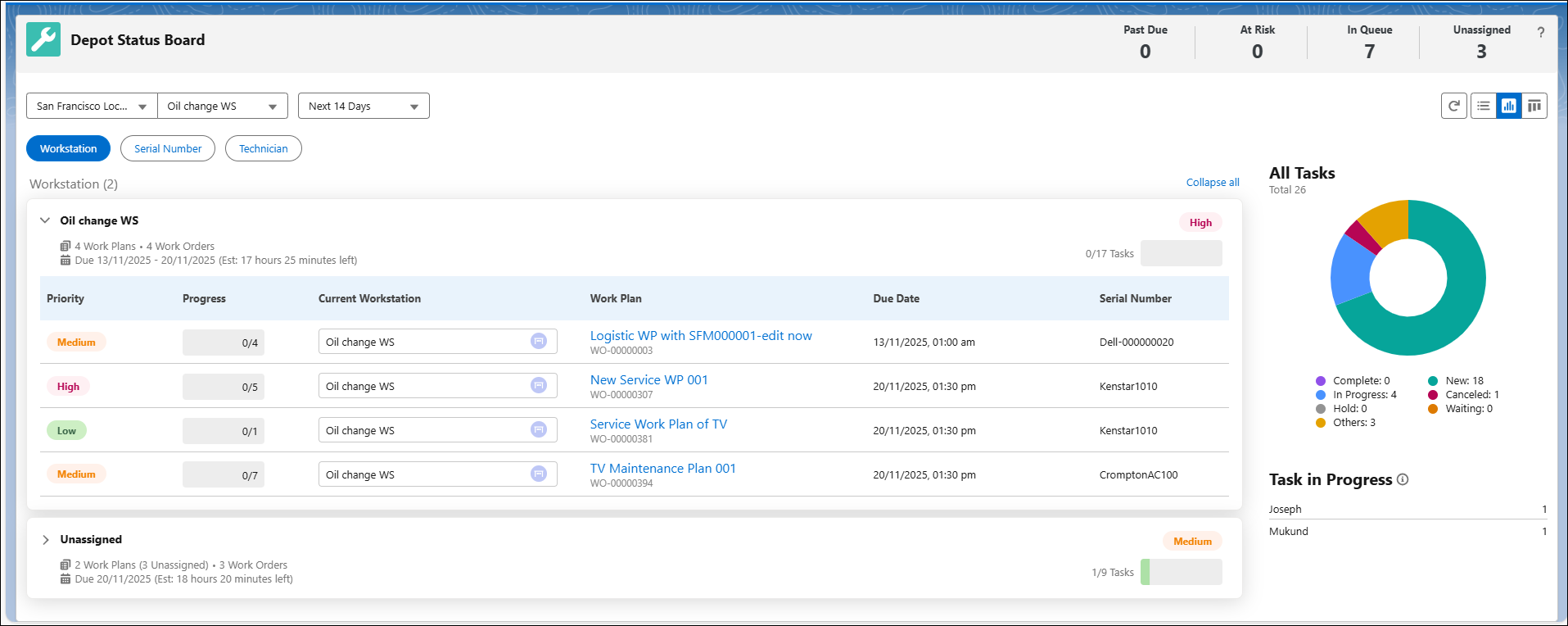
In Summary view, the primary sort is on the Due Date and secondary sort is on the Work Plan for both Workstation and Serial Number cards. Since, the Technician card is based on Work Plan tasks, the primary sort is on Work Plan name and the secondary sort is on the sequence of the Work Plan tasks. For more information, see Viewing Queue Items in Summary Mode.
 |
The Summary mode sorts column using the data available on the page and does not support manual sorting.
|
For example, if there are two tasks like Lens Repair and Replace Air and Cabin Filters for a Work Plan TV Maintenance Plan 001, then the secondary sorting happens on the sequence number of the tasks. If the first task in sequence is Lens Repair, then it displays Lens Repair first and then list Replace Air and Cabin Filters.
Reference Topics