Standard PM Process
The Standard PM Process is available as part of core package, where you can use this as a reference to create a custom process.
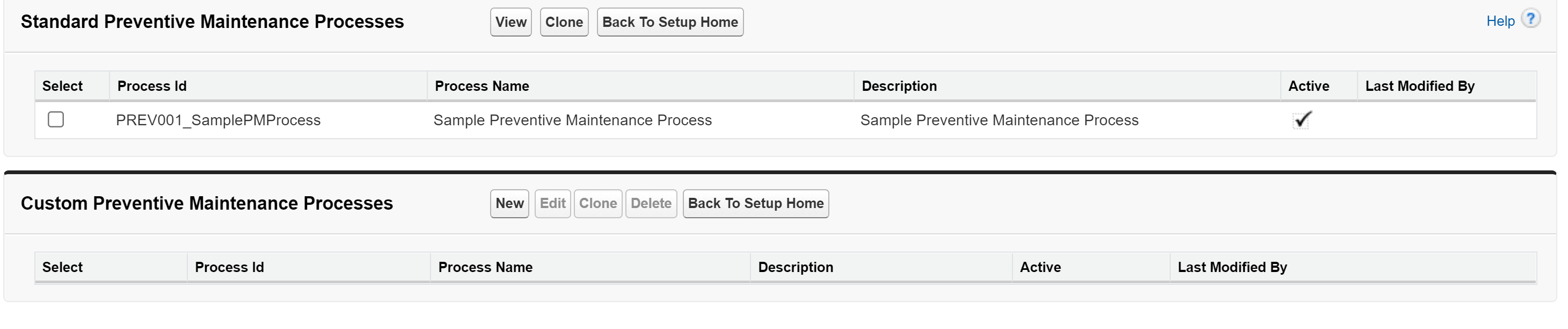
In the Standard Preventive Maintenance Process section, you can perform the following tasks:
Viewing a Standard PM Process
1. From the Home, go to ServiceMax Setup > Installed Base, Preventive Maintenance and Field Change Orders > PM Process.
2. In the Standard Preventive Maintenance Process section, click View.
3. View the process in the appropriate window.
Cloning a Standard PM Process
1. From the Home, go to ServiceMax Setup > Installed Base, Preventive Maintenance and Field Change Orders > PM Process.
2. In the Standard Preventive Maintenance Process section, click Clone.
3. In the next screen, edit the necessary fields. For more information, see Creating Custom PM Process.