Recording a Lookup Attribute Using Lightning Widget
The Core Technical Attributes widget allows users to view and capture lookup attribute values for an Installed Product on the Lightning record page. The lookup attribute is available for an Installed Product only if it is associated with a Technical Attribute Template that has a lookup attribute.
|
Prerequisite
|
|---|
|
In Core - Technical Attributes LWC, ensure that the Allow to Edit Attributes option is selected to allow users to record attribute values. If this option is not selected, users can only view the attributes. For more information, see Lightning Widget for Technical Attributes.
|
To view and record a lookup attribute:
1. From the Home page, go to an Installed Product record. The Technical Attributes widget displays the list of attributes that can be recorded.
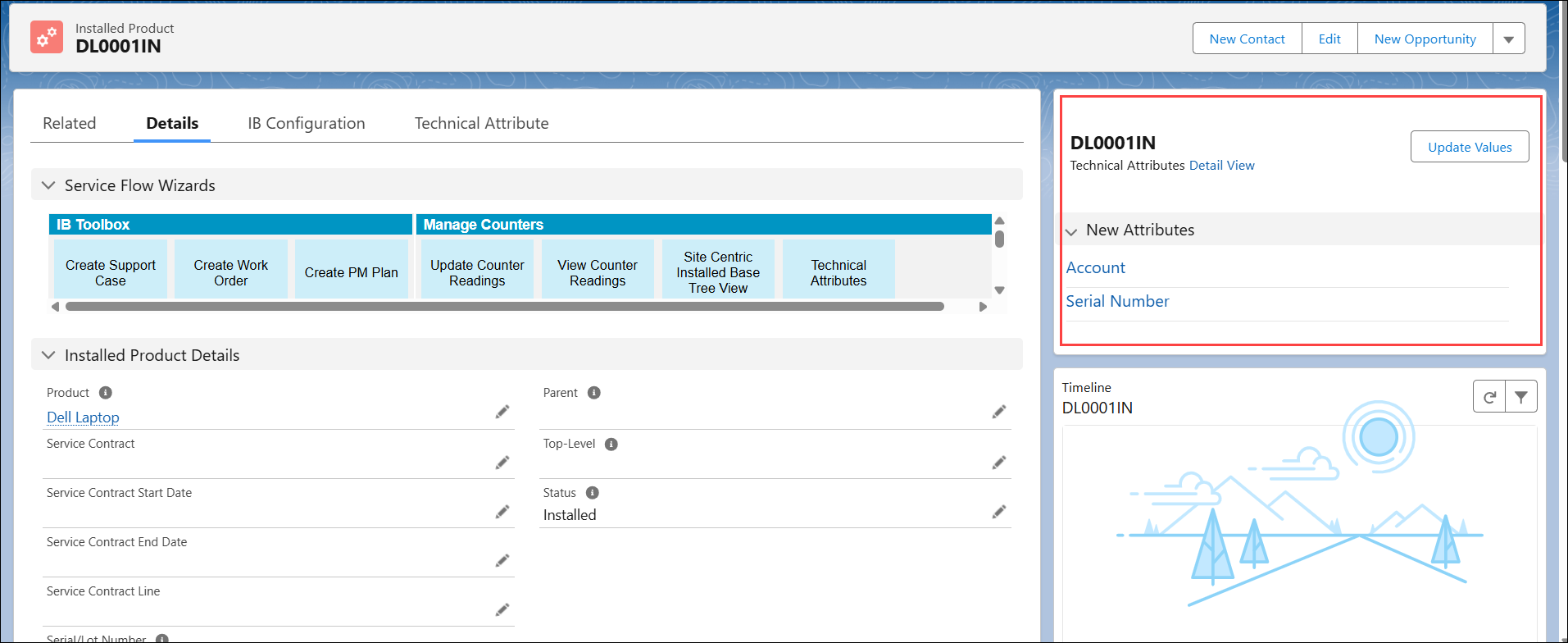
 |
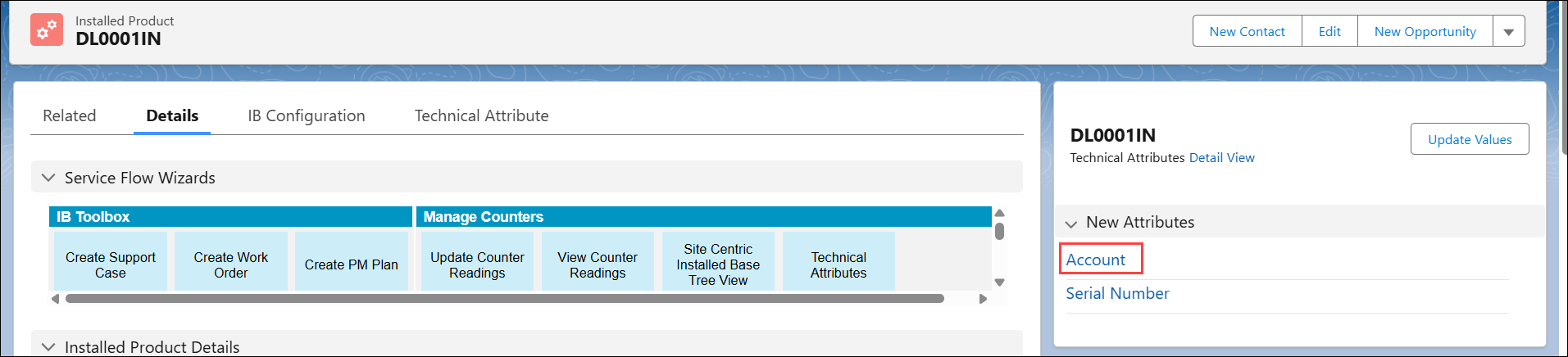
• To view an attribute changes over time, click the attribute link.
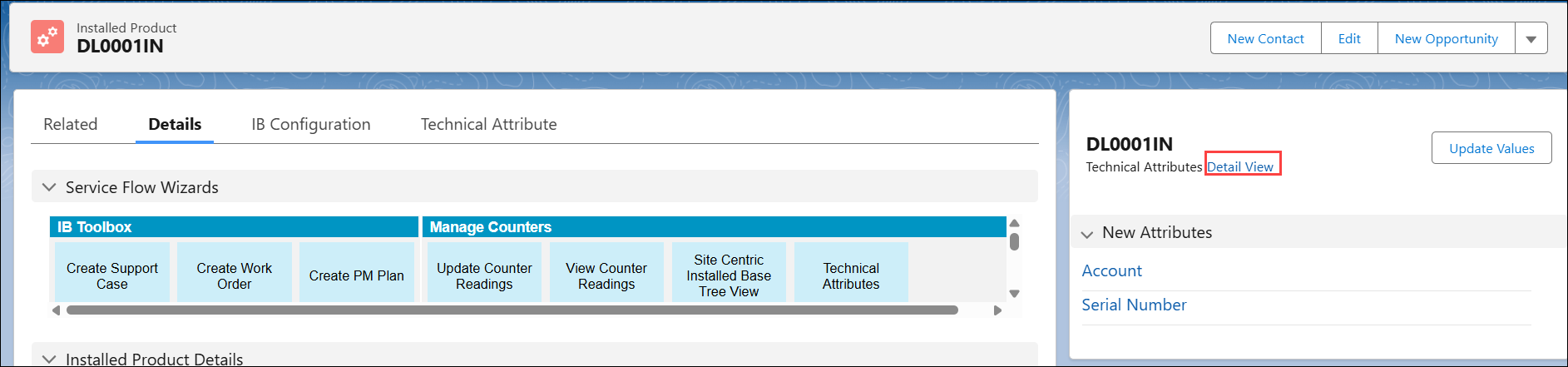
 • To view a detailed list of all attribute changes over time, click Detail View.
 |
2. Click Update Values. Attributes with the latest values are displayed. If you are capturing the values for the first time, the default values are displayed instead.
For a lookup attribute, the list of values is displayed for selection.
|
|
If the admin has configured any criteria, the list of values is automatically filtered.
|
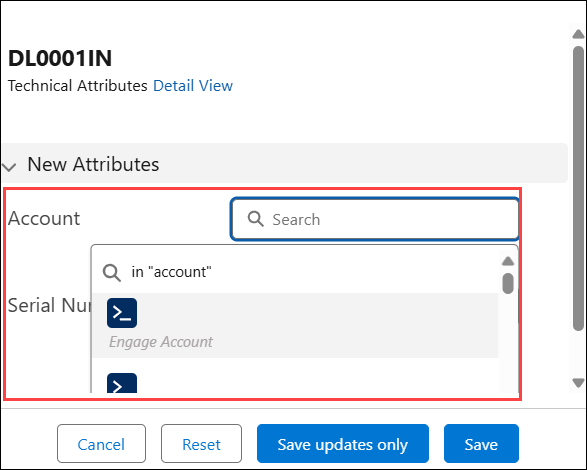
3. In the lookup attribute, search for and select the applicable value. For example, Account is a lookup attribute and you want to capture Engage Account as a value.
|
|
If the admin has applied any criteria, the lookup list is filtered automatically.
|
|
|
• The lookup attribute is presented as a text field, where you must manually enter the value if it is accessed from a custom action wizard step.
• You can capture the value for a lookup attribute individually from the view mode if the admin has assigned individual attribute permission to the user.
|
4. Click Save.
|
|
• Click Save Updates Only to save only the modified attributes.
• Click Reset to discard the changes and restore the last saved values.
|