Launching an Advance Task from the Task Queue
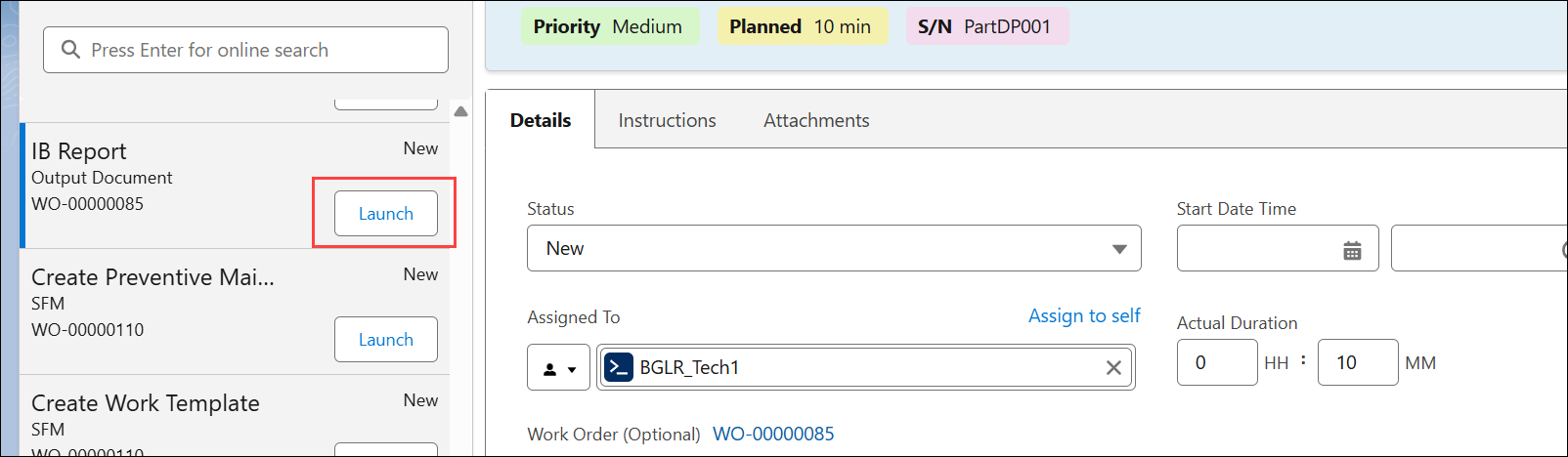
In the Service Task view, you can launch advanced tasks such as SFM, Output Document, Data Guide Form and Document Template tasks from the task queue. After you launch the task, the pop-up window of the task opens, where you can perform the task and mark as complete.
To launch an advanced task from the task queue:
1. From the Home page, go to the Service Tasks.
The list of Service Tasks assigned to you is displayed.
2. From the task queue, go to a task that has linked activity and click Launch. In the Task queue, Launch option is displayed for task that has linked activity associated with it. For example, an Output Document Task.