Deleting a Dependency in a Task
To delete a task dependency in a task:
1. From the Home page, go to the Work Plan Library.
The existing work plans are listed.
2. Open the work plan in which you want to delete a task dependency.
The Info and Tasks tab is displayed by default, with the existing tasks.
3. Click the task.
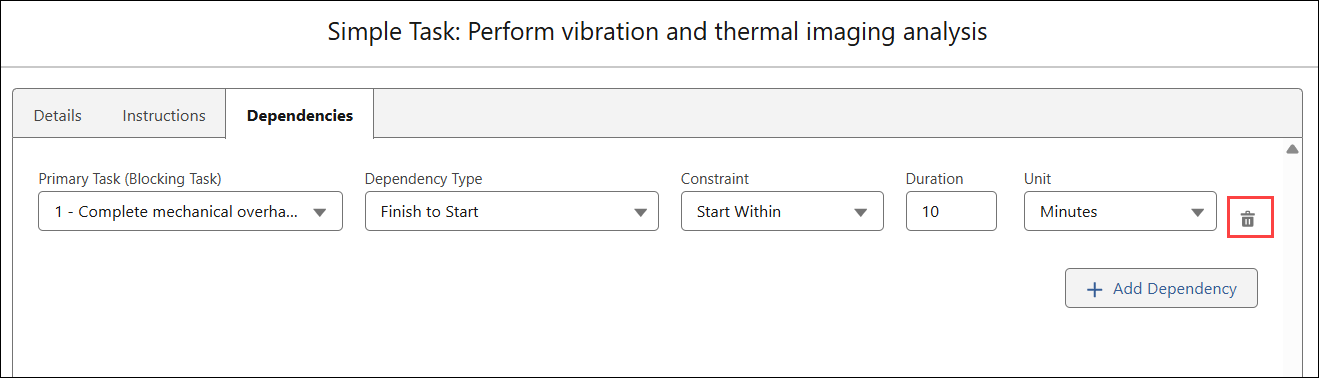
4. Go to the Dependencies tab.
5. Click the Delete icon next to the dependency you want to delete.
6. Click Save.