Editing AI Action Description
You can edit the AI action description to provide clearer, more accurate, or updated information about what the AI action does. This helps users and client server understand the purpose and usage of each AI action when selecting tools from the MCP server.
To edit an AI action description, perform the following steps.
1. Navigate to > > .
The ServiceMax AI Console is launched.
 |
You can also log in directly at https://console.servicemax.io/ai with your Salesforce org credentials.
|
2. Click MCP Server.
The Select AI actions page displays the AI action(s) available via MCP. The following details are displayed in tabular format:
◦ AI action Name
◦ Object
◦ MCP Tool Name
◦ MCP Tool Description
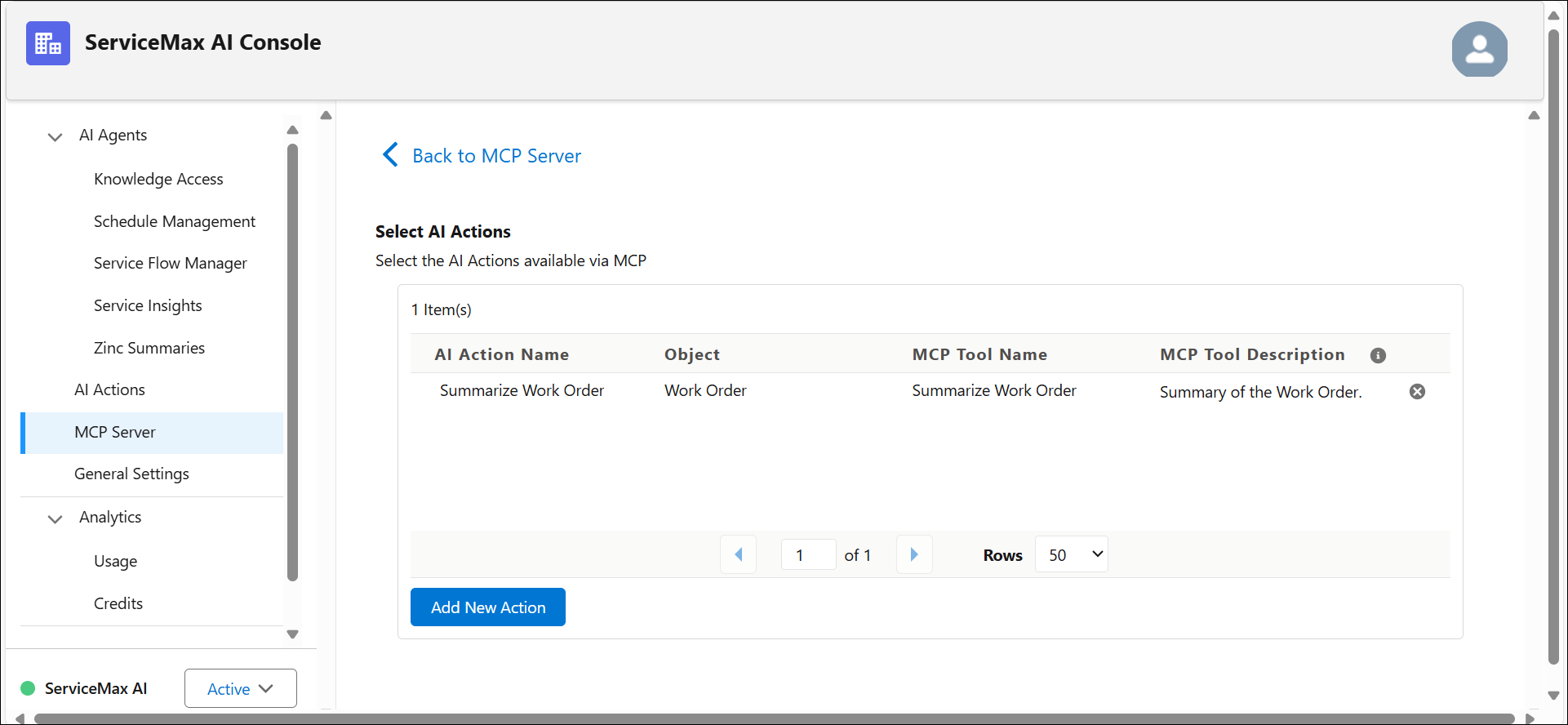
3. Click  to edit the AI action description.
to edit the AI action description.The Edit AI action window is displayed.
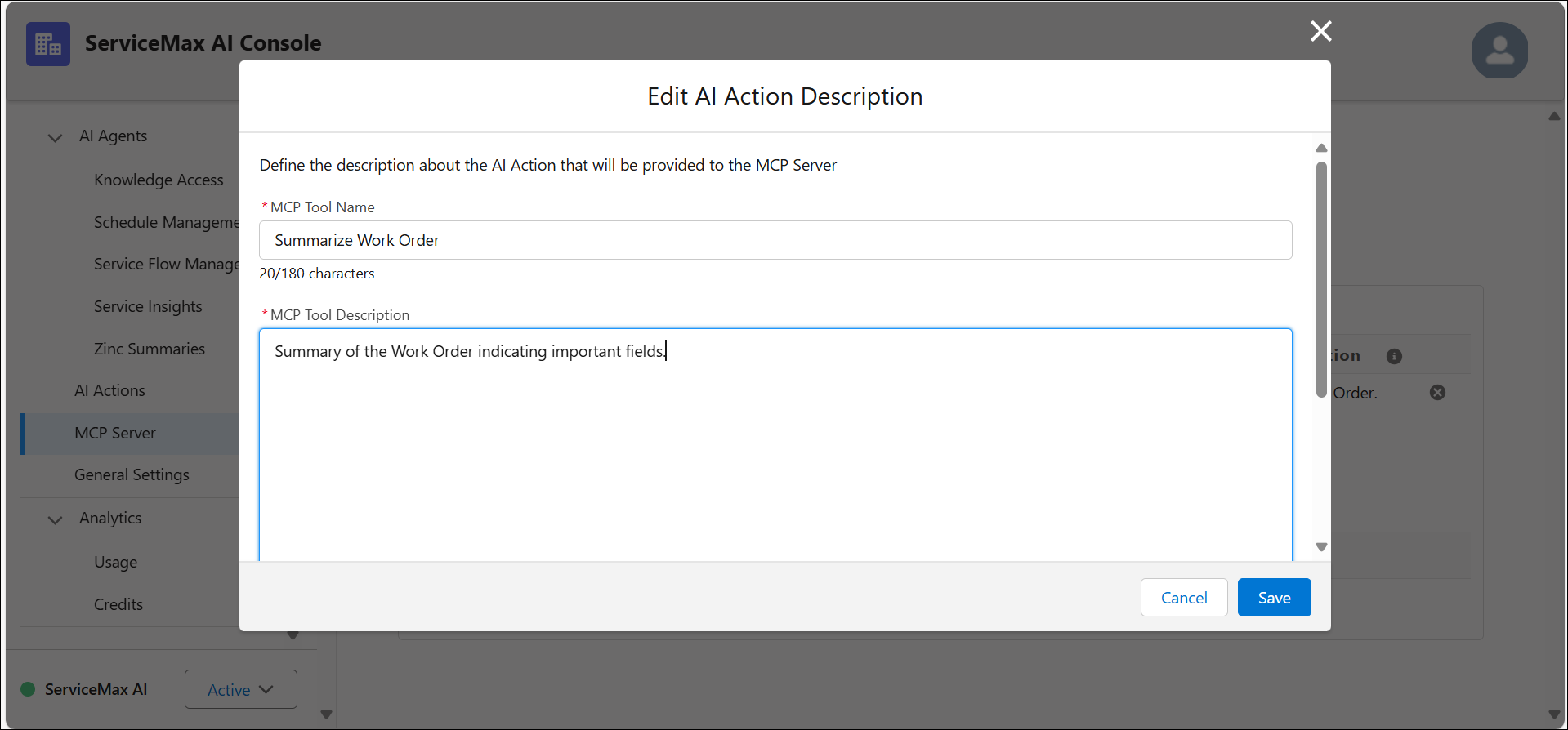
4. Click Save.
The MCP Tool Description is updated.
Related Topics