Configurations are Saved and Retrieved from the Creo+ Portal
Creo+
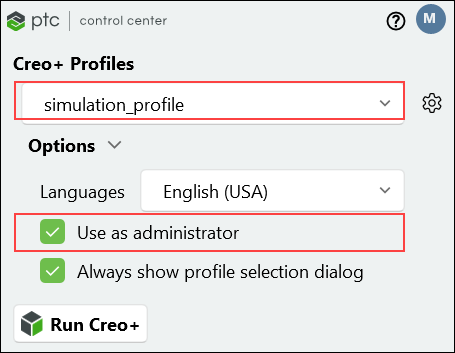
User Interface Location: As an Administrator, select the Use as administrator check box in the PTC Control Center. and then start Creo+.
Videos
If the video does not play, watch it on YouTube.
Description
Creo+ now supports the ability to manage customized configurations in the cloud through the PTC SaaS Platform.
Administrators can now upload, create, and edit customized configurations for their company— (config.sup, config.pro, customization.ui and mapkey.pro) through a new administrator-only mode in Creo+.
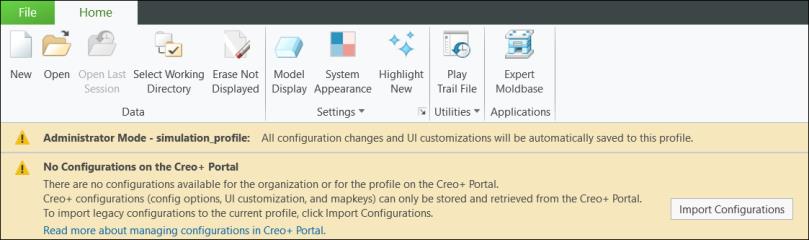
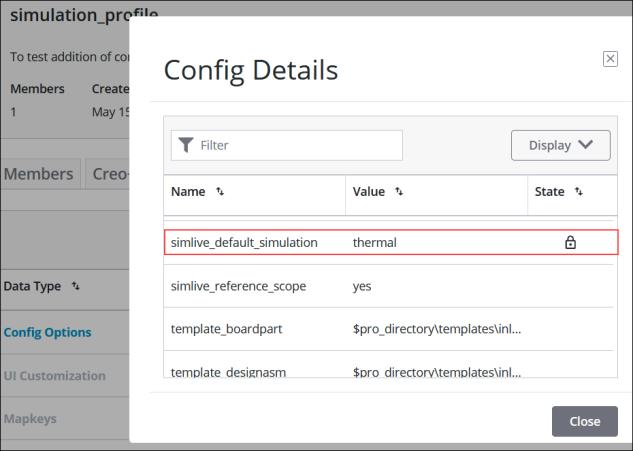
Administrators can now lock certain configurations to enforce specific settings and prevent them from being edited by end users.
Configurations are now managed in the cloud, at the following levels:
• Organization level—Configurations are used by all users when they start Creo+.
• Profile level—Specific configurations are controlled within individual profiles.
• Personal level—Individual users can manage their own personal configurations.
Administrators can review the configurations for each level from within the Creo+ Admin Portal.
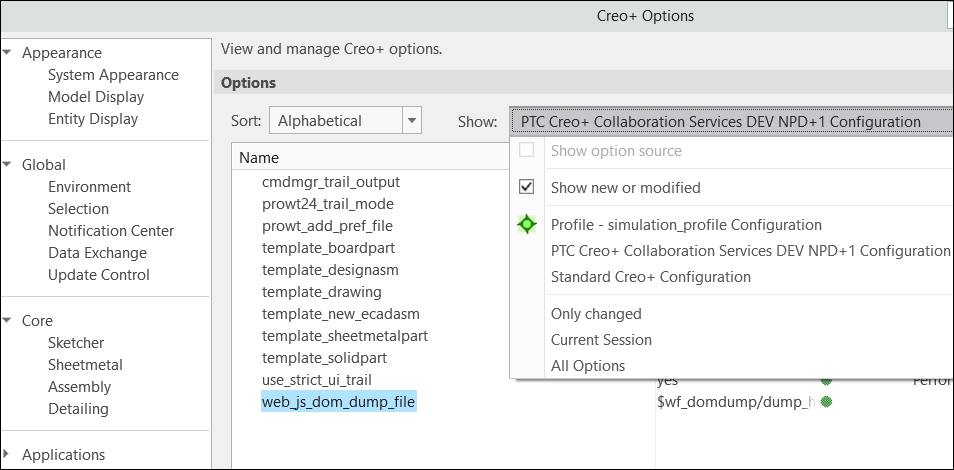
They can also review the default configuration, organization, and profile configurations through the Creo+ Options dialog box.
Benefits
• Improves management and deployment of company configurations to all Creo+ users.
• Eliminates the burden of managing configurations on local or network drives.
• Improves usability and productivity.
Additional Information
Tips: | None. |
Limitations: | No known limitations. |
Does this replace existing functionality? | No. |
Configuration option associated with this functionality: | None. |