Compare Parts in Creo View
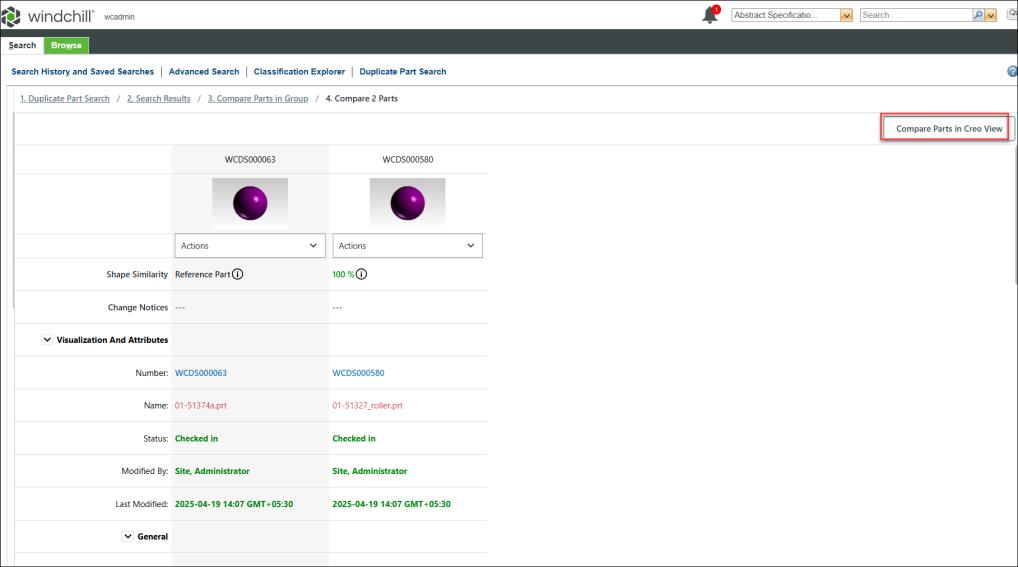
To compare two parts in Creo View, select any two parts, and then click > . The Compare 2 Parts page opens. This page is designed for detailed comparison and analysis of duplicate parts. Click Compare Parts in Creo View.
 |
This action is supported only when Creo View is installed. A basic Creo View MCAD license is required to use Creo View.
|
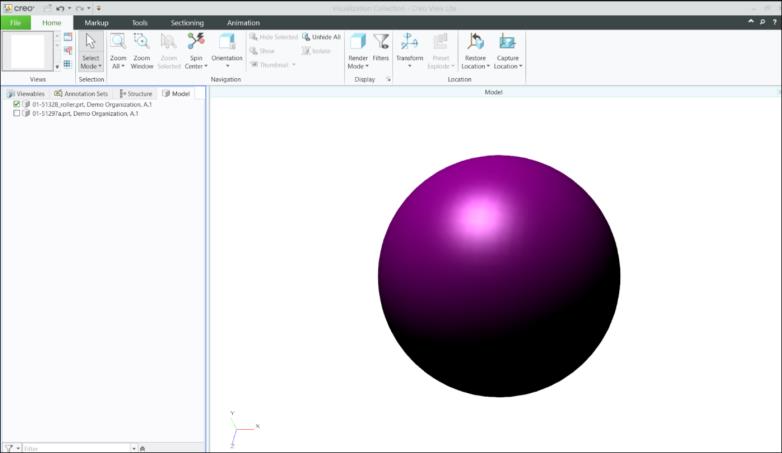
This action starts Creo View. You can select either one or both parts to compare in Creo View.
For more information on comparing parts, see About Creo View, Launching Creo View from Windchill, and Comparing Parts.