Working With Dashlets and Snippets
Dashlets
The Dashlet object serves as a container for report-like information that can be shown in calendar, chart, or list view formats, as follows.
|
Dashlet Type
|
Description
|
|---|---|
|
Calendar Dashlet
|
Shows records from a list view of records related to an object on a calendar. You can configure the fields to use as the start and end timestamps to plot records, the default view (day, week, or month), and the display width.
|
|
Chart Dashlet
|
Shows a single Chart. You can select the Chart and configure the display width.
|
|
Salesforce Chart Dashlet
|
Shows a Chart based on a selected list views of Salesforce objects. You can configure the filtering, auto-refresh settings, and display width.
|
|
Salesforce List View Dashlet
|
Shows a selected list view of Salesforce objects. You can configure the number of columns and rows to show, auto-refresh settings, and display width.
|
|
View Dashlet
|
Shows a selected list view of records related to an object. You can select the list view, number of columns to show (based on the order of columns in the source list view) and number of records to show. Users can go directly to the full list view with all columns and records from this Dashlet.
|
Snippets
The Snippet object is used internally by ServiceMax to show reusable content items served by the Max CMS, and are also used on the ServiceMax Dashboard. You cannot create or customize Snippets, but you can use them on Dashboards. There are several useful Snippets available in Max that you can use to customize or create Dashboards.
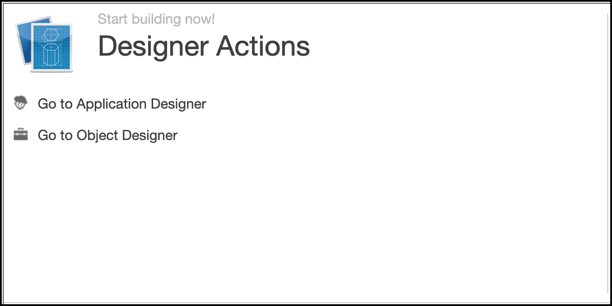
Action Dashlet for Designers
Provides quick links to two key Max Designer tools.
Dashlet Events
Lists upcoming Events, and a link to a new Event creation form.
Dashlet Tasks
Lists pending Tasks, and a link to a new Task creation form.
How-To Dashlet
Shows randomly selected How-To Topics available on Max Platform.