Launching Max Designer and Max Admin
To perform the tasks in this guide, you use Max Designer and Max Admin.
To launch Max Designer and Max Admin:
1. From within the Max Platform application you want to configure, in the bottom left corner, in the Applications menu ( ), click Max Admin or Max Designer.
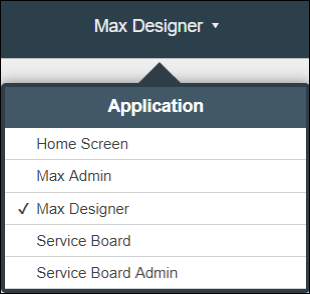
), click Max Admin or Max Designer.2. To switch between Max Admin and Max Designer or to other apps, in the top right corner, click the application name, and then in the Application menu, click an app.