Enabling CRM Analytics
1. Log into your Salesforce org.
2. Navigate to Setup > Analytics > Getting Started.

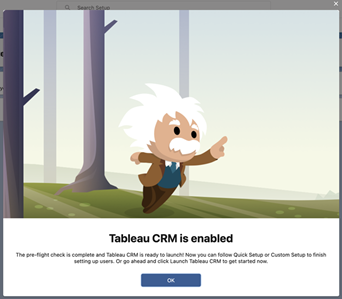
3. Click Enable CRM. A confirmation pop-up is displayed after successful validation.
 |
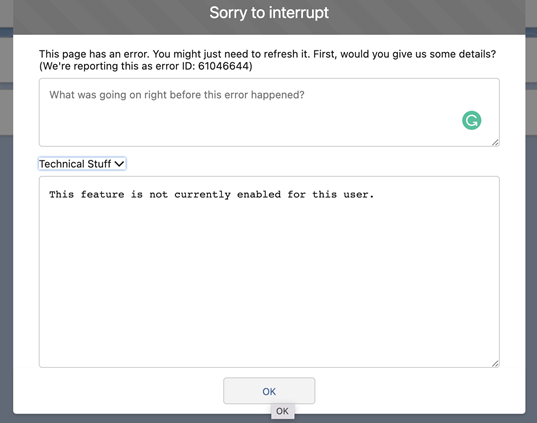
If appropriate permission is not assigned to enable the CRM Analytics option, the following error is displayed.
 |
Related Topics