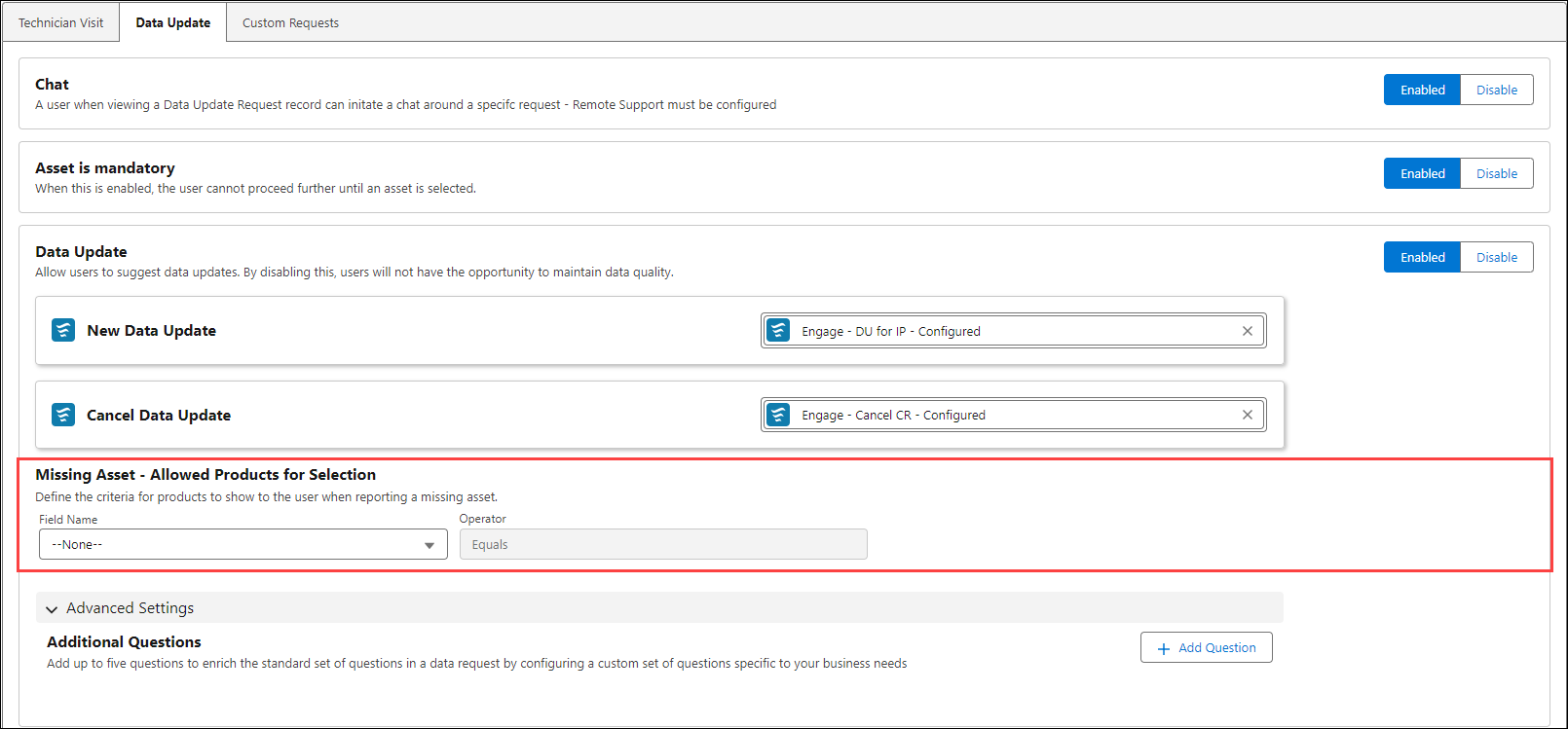
Report Missing Asset
The feature allows you to configure rules for displaying products when users report a missing asset using specific fields, operators, and values—including Boolean, picklist, or plain text. You can ensure that users only see relevant options. This targeted filtering improves request quality and reduces administrative review overhead. To add questions:
1. Navigate to > > > .
2. Select a Field Name from the picklist. The following types are supported:
◦ Boolean
◦ Picklist
◦ Plain Text
 |
The Operator field is by default Equals.
|
3. Select a Value based on the selected Field Name. The following types of values are displayed:
◦ True or False for Boolean type
◦ A single picklist value for Picklist type
◦ A text phrase or a string for Plain Text type