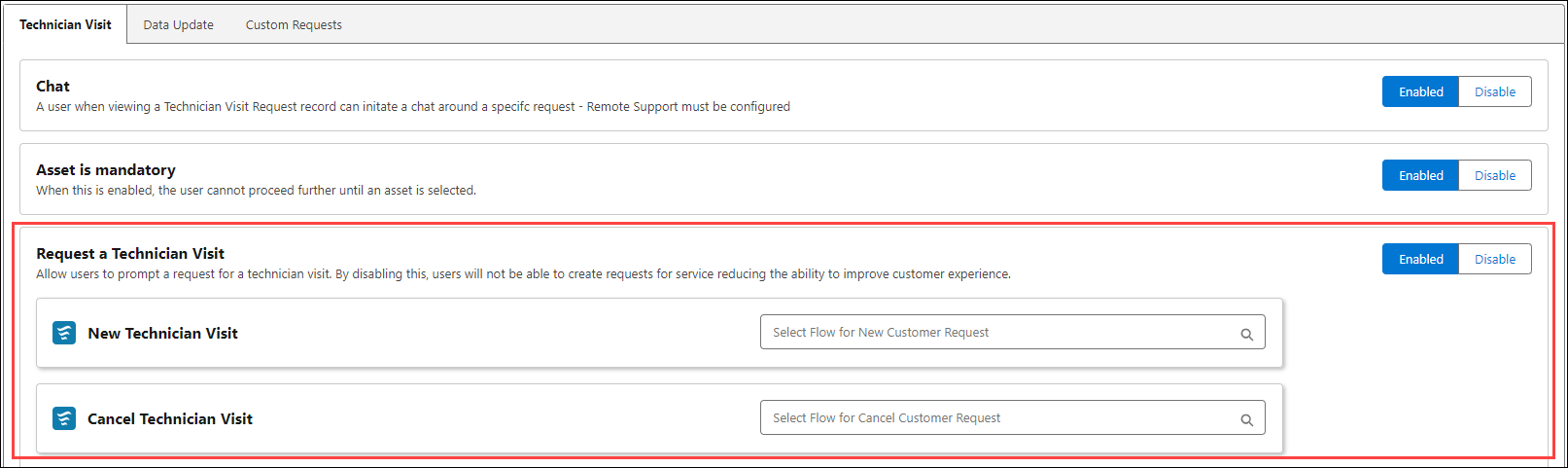
Enabling Request a Technician Visit Option
The feature allows you initiate or cancel a service request for a Technician Visit. This setting streamlines the request process, enabling quick dispatch of technicians and efficient handling of service needs. To enable the option:
1. Navigate to > > > .
2. Click the toggle button to enable or disable.
3. Click Save to apply the changes.
 |
Ensure that you have added the following flows:
• Engage - Create WO - Configured
• Engage - Cancel CR - Configured
|