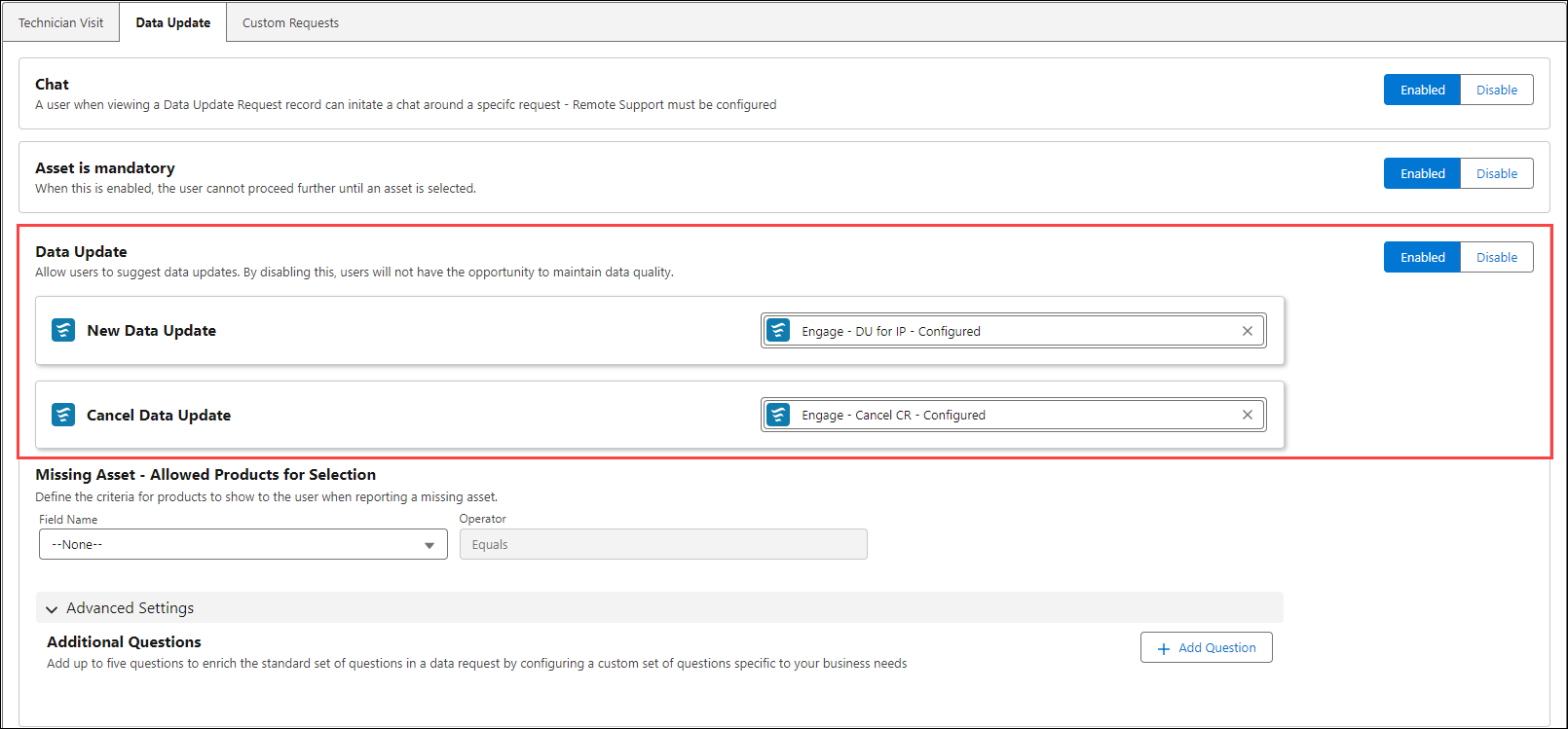
Enabling Data Update Option
The feature allows you initiate or cancel a service request to update asset-related data. This setting provides a direct access for users to report discrepancies or propose changes, supporting continuous data integrity and operational efficiency across service workflows. To enable the option:
1. Navigate to > > > .
2. Click the toggle button to enable or disable.
3. Click Save to apply the changes.
 |
Ensure that you have added the following flows:
• Engage - DU for IP- Configured
• Engage - Cancel CR - Configured
|