Enabling Chat
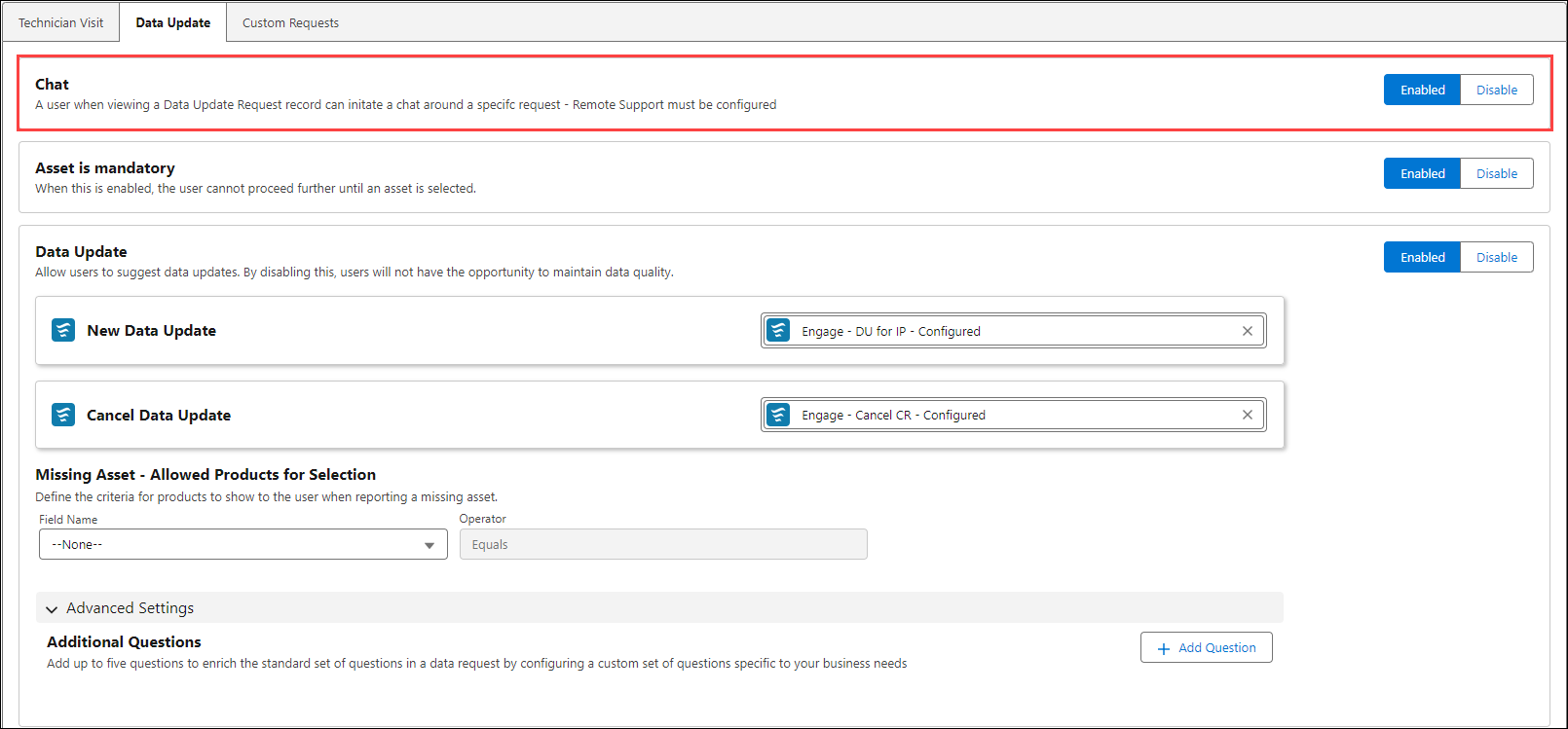
The feature allows you to enable or disable the chat feature for Data Update requests providing a channel for remote support. This improves collaboration and ensures quick clarification of service details.
To enable chat option for Data Update request.
1. Navigate to > > > .
2. Click the toggle button to enable or disable.
3. Click Save to apply the changes.