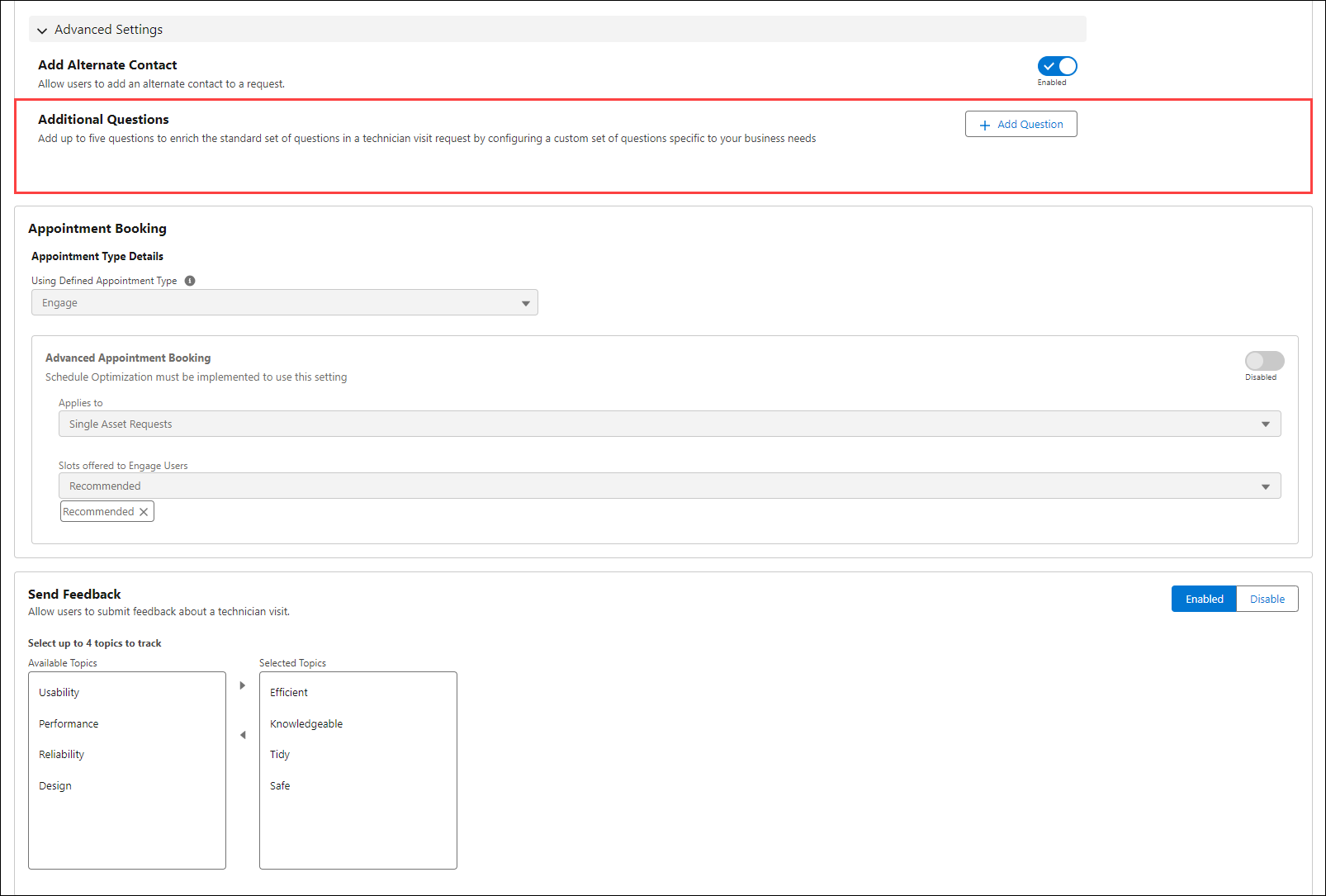
Adding Additional Questions
The feature allows you to initiate or cancel a service request for a Technician Visit and configure a custom set of questions that meets the business requirements. You can add up to 15 questions that allows you to capture more detailed information from users when a request submitted. To add questions:
1. Navigate to > > > .
2. Click Add Question.
3. Select a Presentation style. You can select from the following options:
◦ Screen By Screen (Default)
◦ Single Screen
4. Select a question type from the Choose a question type window. The options are:
◦ Date
◦ Multiple Choice
◦ Text
◦ File Upload
◦ Number
◦ Yes/No
5. Click Next.
6. Provide the details for each question type.
7. Click Add.
8. Click Save to apply the changes.