Reviewing Milestone Schedule for a Coverage Line in 25.1
Using the Milestone Schedule, you can review the Schedule Output lines generated based on the condition rule for a coverage line.
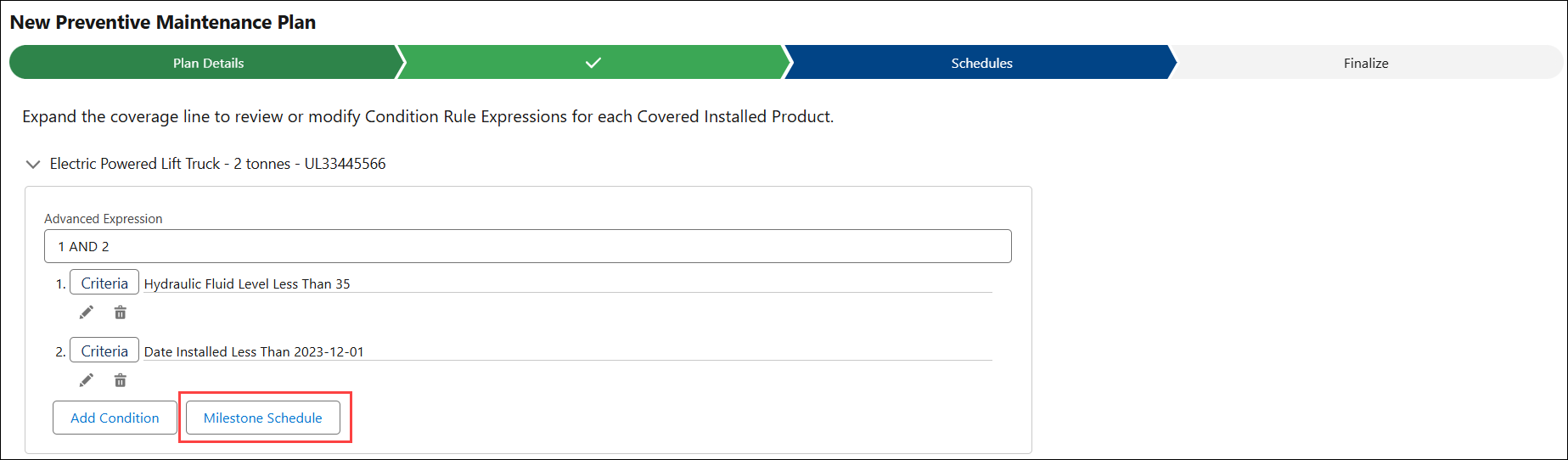
To view the Milestone Schedule for a coverage line:
1. In the New Condition-Based PM Plan wizard, go to the Schedules tab. For more information, see Creating Condition-Based PM Plans.
The configured rules are auto-populated based on the PM Plan template and assigned to each coverage line for the Plan.
2. Expand a coverage line to view the associated condition rules and advanced expressions.
3. Click Milestone Schedule.
The Schedule Output pop-up window is displayed with the list of Schedule Output lines generated for a coverage line. The PM Work orders are generated based on these generated schedules.