Launching ServiceMax Setup
Administrator can configure key functionalities or features such as App Administration, Service Organization, Installed Base and Preventive Maintenance, Dispatch Management, Work Plan Management, Service Flow Manager, Warranties, Contracts, Billing, and so on using the ServiceMax Setup page.
To launch ServiceMax Setup:
1. From the Home page, click ServiceMax Setup.
The ServiceMax Setup page is displayed with all the related configurations and modules in the left pane. You can also navigate to Release Notes, Product Training, and ServiceMax Community from this page to learn about the latest changes and features.
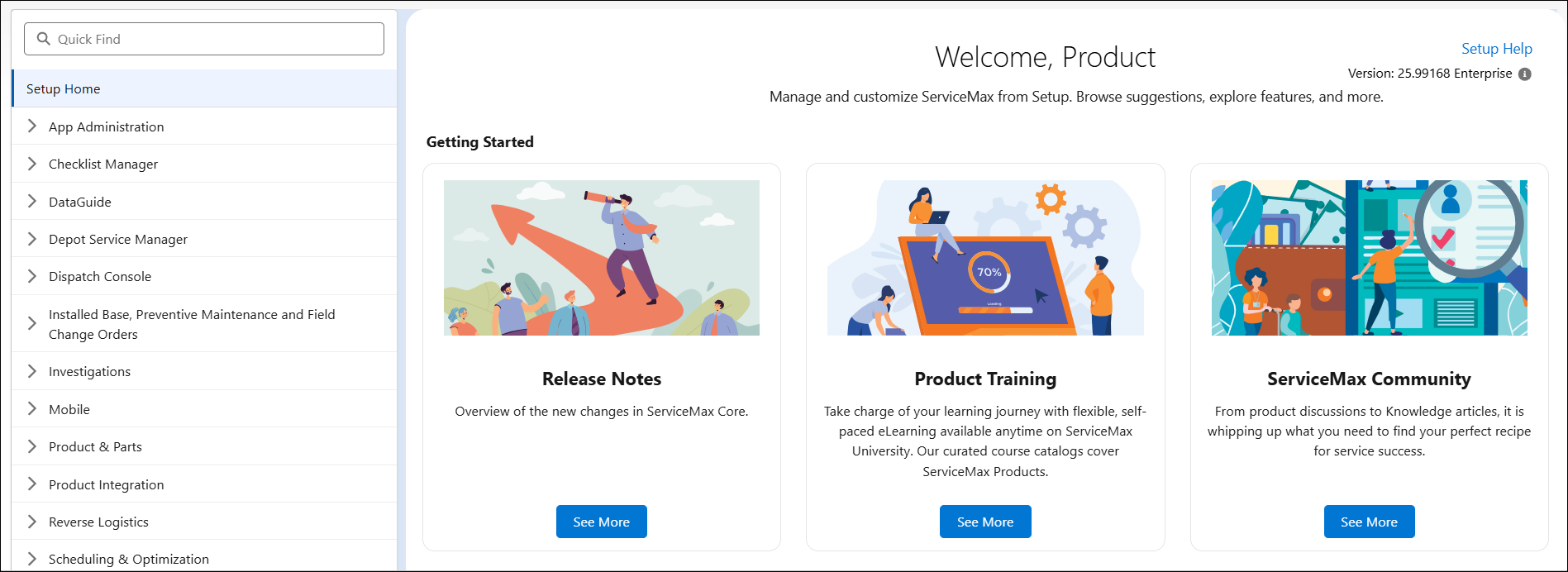
2. From the left pane, search for and select the required configuration for a specific module or feature. For example, Work Plan Management.
3. Modify the settings based on your requirements.