Configuring Code Snippet Manifest
The Code Snippet Manifest is used to manage scenarios where the logic in a code snippet exceeds the size limit of the Data field. It enables administrators to split large or complex logic into multiple code snippets and reference the additional snippets from the original code snippet. This configuration allows the logic to be maintained and executed together without exceeding field size limitations, making it easier to manage and extend code snippets in ServiceMax.
To configure Code Snippet Manifest:
1. Log in as a System Administrator to your Salesforce org.
2. From the App Launcher, select Code Snippets.
3. Open the code snippet where the Data field limit is exceeded.
4. Create a new code snippet with the additional logic.
5. Navigate to the Code Snippet Manifest tab from old code snippet.
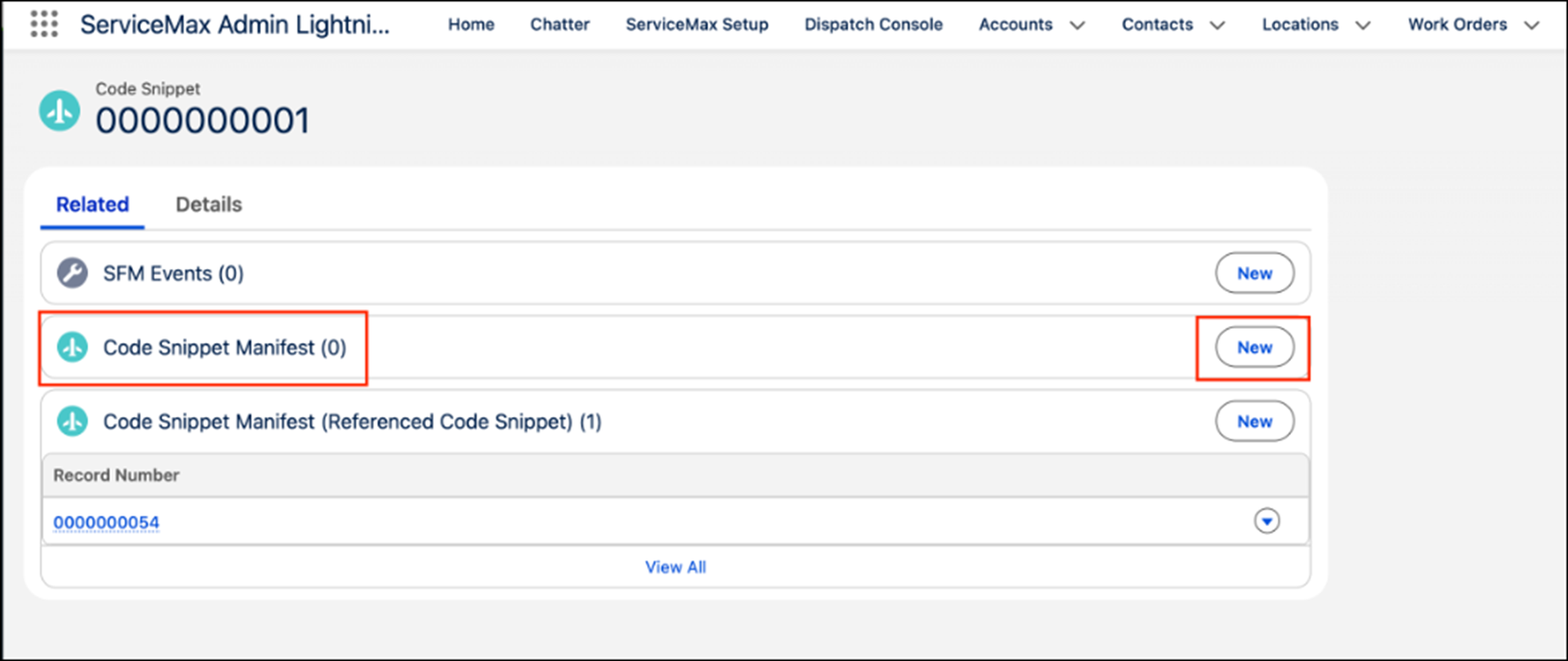
6. Reference and merge the new code snippet with the original snippet.