Generating Service Summary in Go Mobile App
To use an AI action in Go mobile app to generate service summary for an Account object, perform the following steps.
1. Tap Account Search.
2. Open the record where you want to use an AI action.
3. Tap the menu button.
The Actions screen is displayed.
4. Tap the AI action you want to use. For example, Demo-AccountSummary.
The AI chat displays a summary of the selected account.
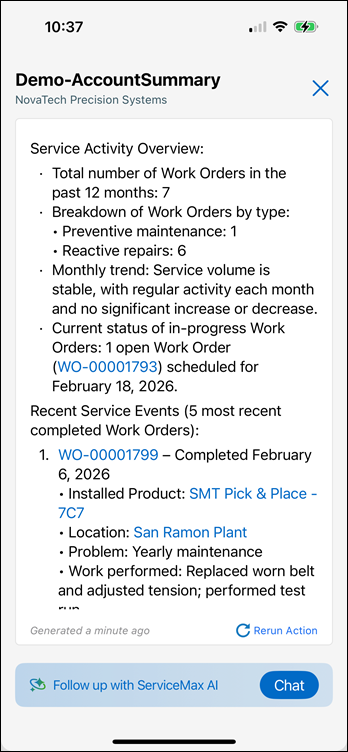
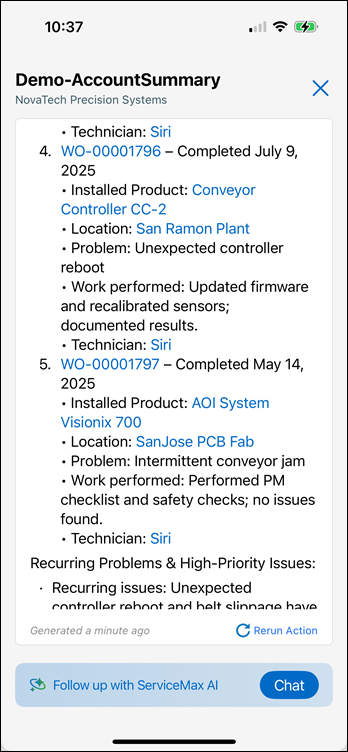
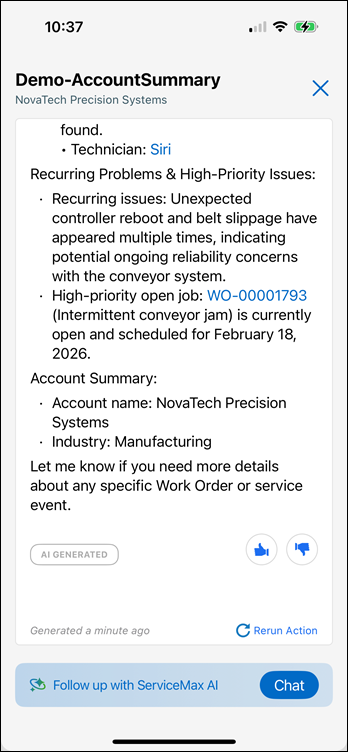
The Account Summary is retrieved based on the instructions added in the AI Action.