Deleting an AI Action
Delete an AI action from the ServiceMax AI Console to keep the list of available actions accurate and relevant.
 |
You can delete only saved actions.
The Delete button is disabled for actions that are currently in use.
|
To delete an action, perform the following steps.
1. Navigate to > > .
The ServiceMax AI Console is launched.
2. On the sidebar, select > .
The AI Actions page displays a list of available actions.
3. From the AI actions list, choose the AI action you want to delete.
4. Click Delete.
A Confirm Delete pop-up window is displayed.
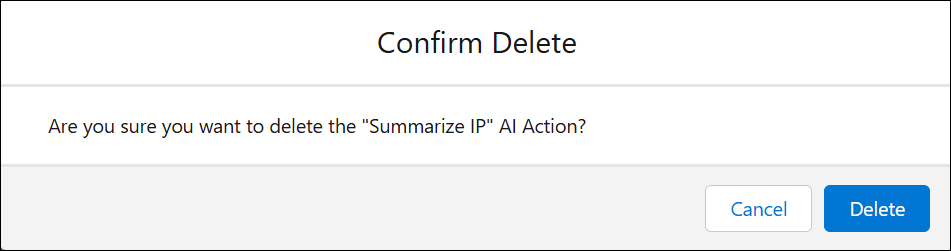
5. Click Delete to confirm the action.
The action is marked for deletion.
6. Click Save.
The AI action is removed from the list.