SSO using PingFederate as the Identity Provider
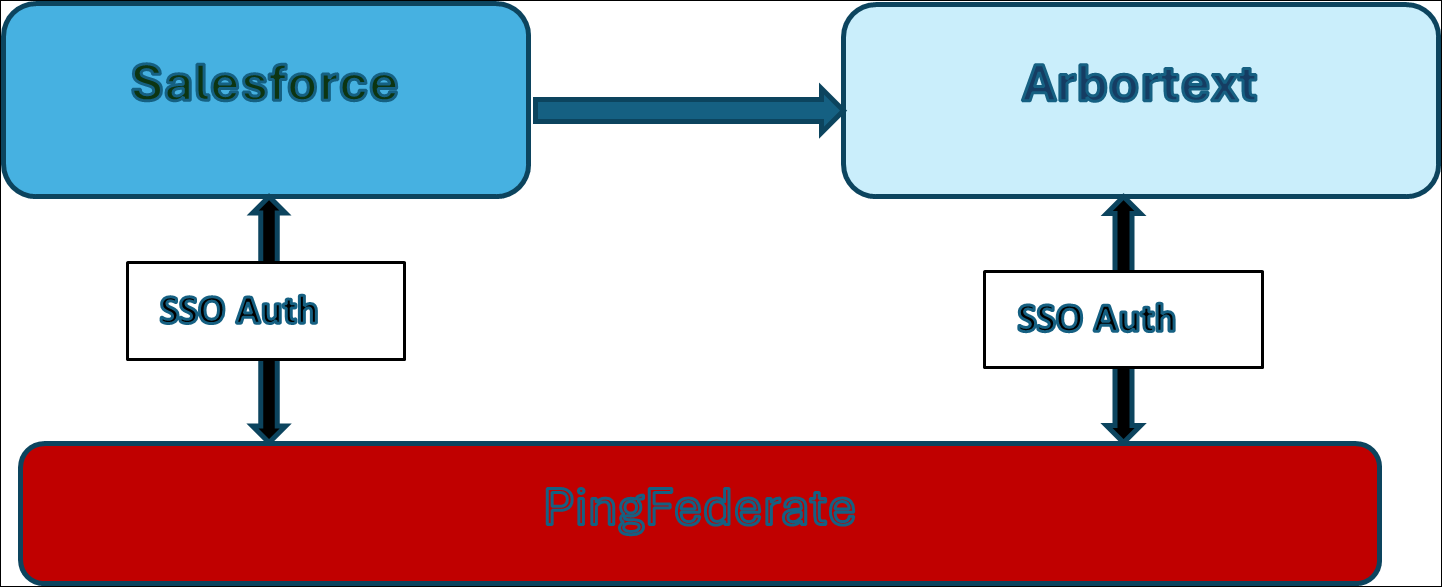
You can configure PingFederate as the Identity Provider (IdP) for both Arbortext and Salesforce Org. Once the Salesforce Org authenticates through PingFederate, the Arbortext URL will be redirected using the same auth provider.
Configuration Process
The configuration of PingFederate as an IdP requires the following steps.
1. Create a password credential validator.
2. Create the PingFederate IdP adapter.
3. Create a service provider connection.
4. Create an Arbortext user.
5. Create a SAML single sign-on (SSO) setting in Salesforce.