Managing App Notifications
Open, review, and clear notifications from the bell icon in the PTC Orbit app header.
PTC Orbit provides a central place for users to review and act on important updates. As a user, you can use the bell icon on the app header to manage notifications. Click the bell icon to open the notification modal, which lists all recent notifications. From the modal, you can go to the related record by selecting a notification or remove it. This helps you stay informed and keep your workspace organized by clearing notifications you no longer need.
Perform the following steps to review app notifications.
1. Open the PTC Orbit application.
2. Click the bell icon on the upper right corner of the page.
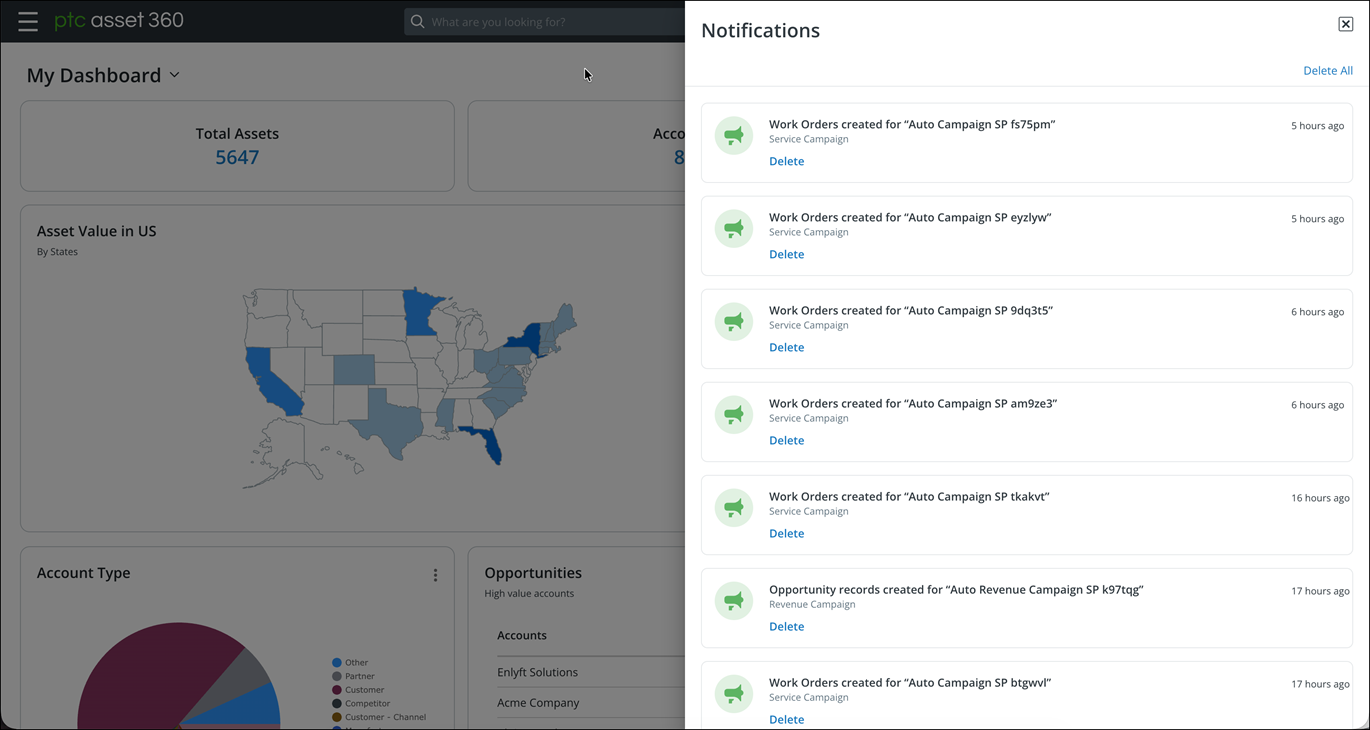
3. Click the notification to from the list to open the record in a new browser tab.
4. To remove a notification, click Delete on the notification tile.
5. To remove all notifications, click Delete All on the top of the notification list.
6. To close the notification modal, click the close icon on the upper right corner of the modal.
What To Do Next