Changing Campaign Status
Update the status of a campaign to reflect its current lifecycle stage.
The PTC Orbit application enables you to change the status of a campaign based on your business requirements.
Perform the following steps to change the campaign status.
1. Log in to PTC Orbit and click the  icon to launch the navigation pane.
icon to launch the navigation pane.2. Click Campaigns.
The default list of campaigns is displayed.
3. For the required campaign menu, click View.
The campaign details modal is displayed.
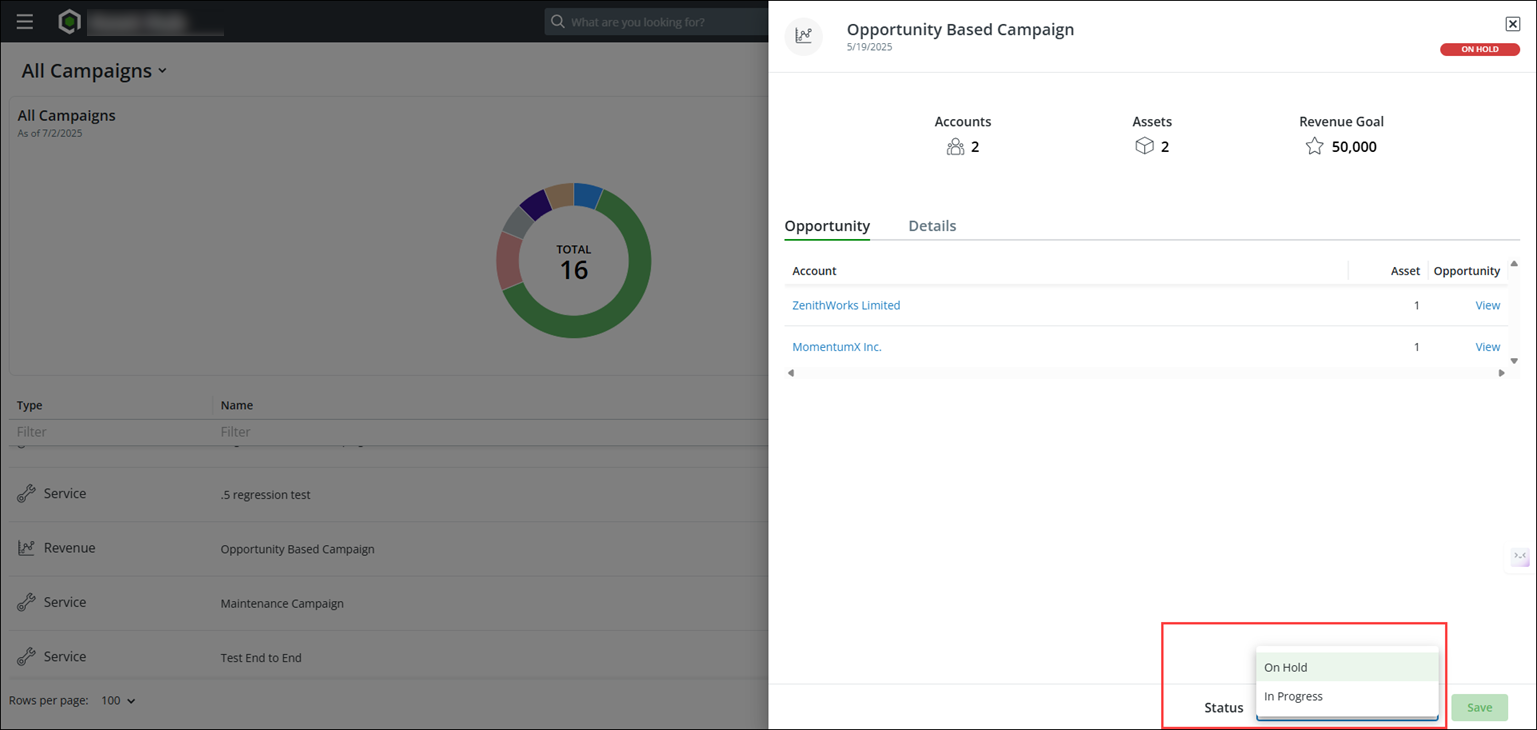
4. Select the required status in the Status field at the lower part of the modal.
 |
The Status field displays only the eligible status values for a campaign.
|
5. Click Save.
A confirmation banner is displayed after successful validation and the campaign status is updated.
What To Do Next