Trim and Extend Ply Capabilities
Creo Parametric 12.4.0.0
User Interface Location: In the Composite environment, do one of the following:
• Click Trim/Extend Ply.
• Click >  Trim Ply.
Trim Ply.• Click >  Extend Ply.
Extend Ply.Videos
Description
You can now trim the boundaries of plies and cores by specifying a value, a reference, or a contour.
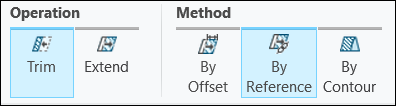
Both the trim and the extend capabilities are now combined in the Trim/Extend Ply action. This enables you to easily switch between Trim and Extend actions and effectively use the three existing methods, By Offset, By Reference, and By Contour.
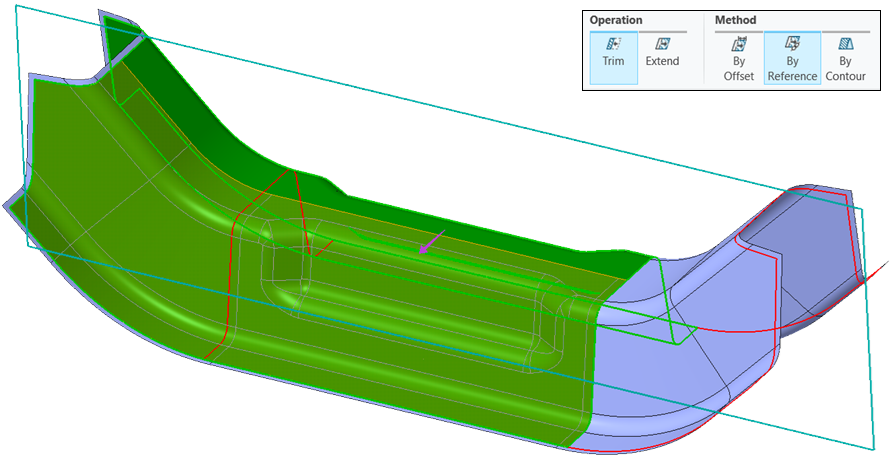
When using the trim by reference method, you can trim multiple plies at once using the same curve, edge, or datum plane as a reference.
Benefits
This enhancement provides more flexibility during the composite design and preparation for manufacturing, improving productivity.
Additional Information
Tips: | None. |
Limitations: | No known limitations. |
Does this replace existing functionality? | No. |
Configuration option associated with this functionality: | None. |