Supporting Edit References and Replace References
Creo Parametric 12.4.0.0
User Interface Location: In a part with a composite feature, do one of the following:
• To edit a reference, select the composite feature in the Model Tree, and then click  Edit References on the mini toolbar.
Edit References on the mini toolbar.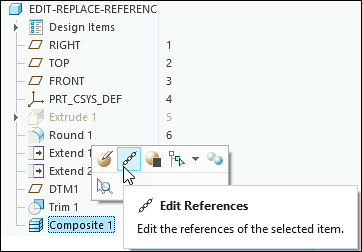
• To replace a reference, select the feature that creates the reference, and then click > >  Replace References.
Replace References.Description
At the part level, you can now edit or replace references used by a composite feature or its internal features when these references are external to the Composite environment.
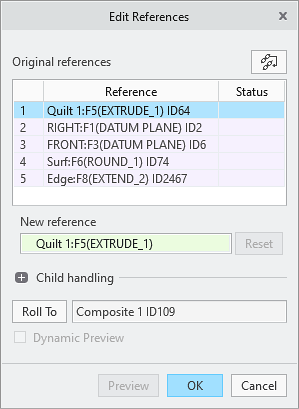
Benefits
This enhancement allows you to edit and replace references on composite features at the part level, improving productivity.
Additional Information
Tips: | None. |
Limitations: | No known limitations. |
Does this replace existing functionality? | No. |
Configuration option associated with this functionality: | None. |