Validation Build for Creo+
An early visibility build for Creo+ is made available to users who are designated as validators for the organization.
Before the next release of Creo+, validators see a notification in the PTC Control Center informing them about the validation build.
|
Before Switching to the Validation Build—Using the current Production Build
|
After Switching to the Validation Build—Using the new Validation Build
|
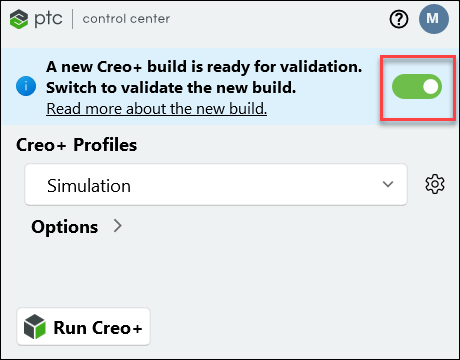 |
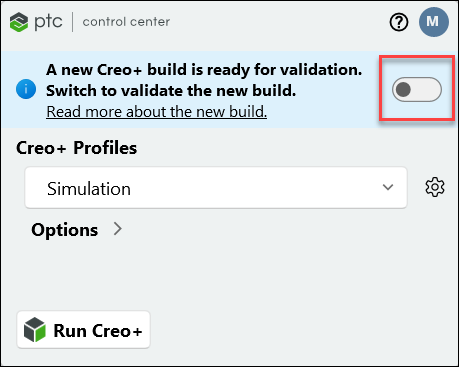 |
Use the button provided to switch to the validation build. If an active session of Creo+ is running at the time, close the session and exit Creo+ before you switch. Validators can use the button to switch between the current Production build and the new build for validation.
Validators can read about the upcoming release by clicking the “Read more about the new build” link.
After a month, Creo+ is automatically switched to the new build and the validation build is no longer available.
 |
Note that models created and saved using the validation build are not compatible with the Production build.
|