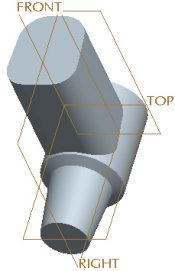
Selecting Existing Sketches
Selecting an existing sketch is a quick way to create a feature.
Creating an Extruded Protrusion


 Previous
 Previous


 from the feature toolbar.
 .
.