Uninstall process
Before uninstalling PTC Requirements Connector, please close all running programs and make sure that you have local administration rights.
To uninstall PTC Requirements Connector:
1. Use the Add/Remove Programs function in the Microsft Windows® Control panel or the Windows Start menu shortcut > > > .
Control panel
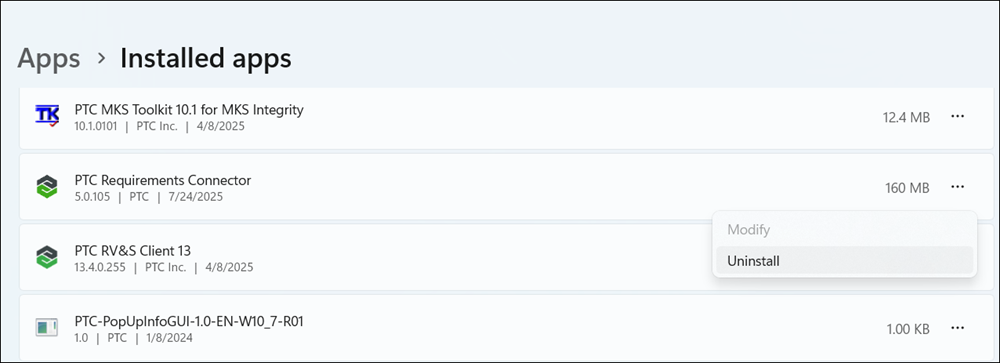
2. Click No if you would like to keep your project data, if not select Yes.
 | You should make sure, that you have a current backup of your project data / workspace. |
Confirm deletion of project data
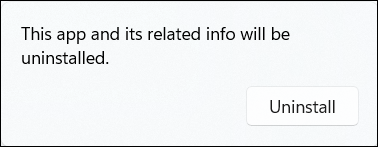
3. Wait until the Windows installer has uninstalled PTC Requirements Connector.
Unistalling

PTC Requirements Connector is no longer installed on your computer.
Parent topic