Searching for Classified Objects
Windchill Classification includes the following options to locate classified objects in the database:
You can use properties, preferences, and profiles to control the visibility of classification search elements.
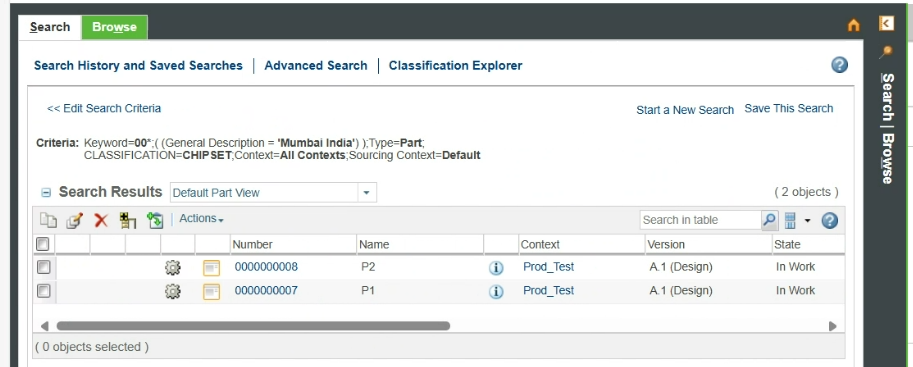
By default, the search tool applies the AND operator for keyword string searches. Note that when you search for keyword strings in combination with attribute criteria that contain strings with spaces, the OR operator is applied to the attribute criteria. For example, if keyword is specified as 00*, Type is Part, Context is All Contexts, Classification is PartClassification with value CHIPSET, and Criteria is Phase with value Mumbai<space>India, the following search result is displayed for parts.
For more information on search operators, see Search Operators.
Advanced Search
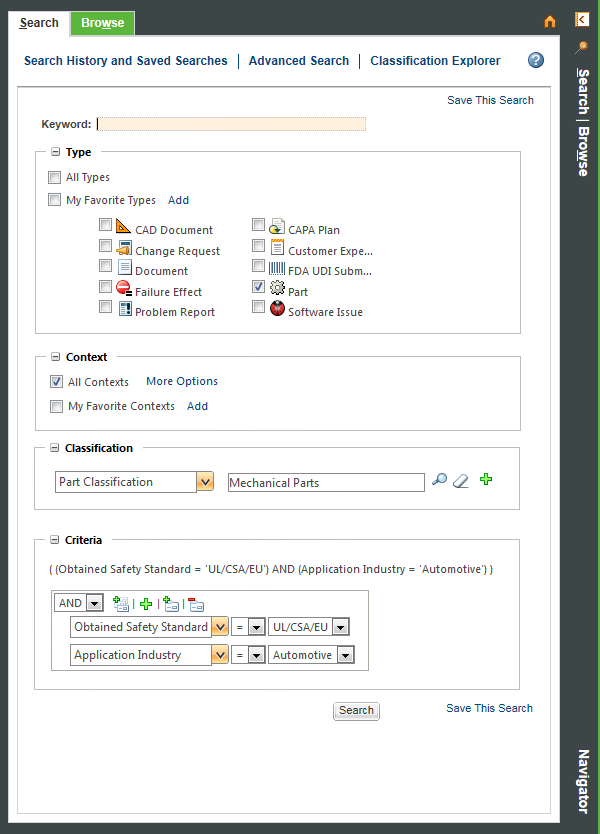
You can use the advanced search Classification and Criteria fields to search for parts using node and attribute values. For more information, see Advanced Classification Search.
Classification Explorer
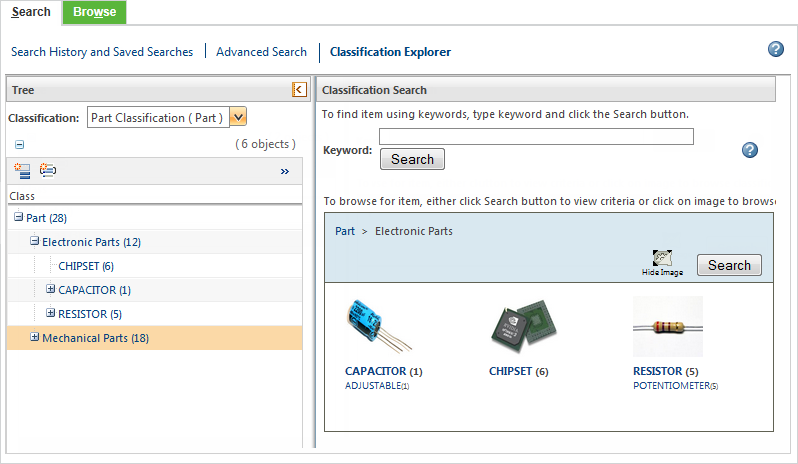
You can use the classification explorer to search an existing classification structure by navigating the nodes in its tree hierarchy or by visually browsing its structure. You can also perform simple keyword searches. For more information, see Classification Explorer.
Find Similar Objects
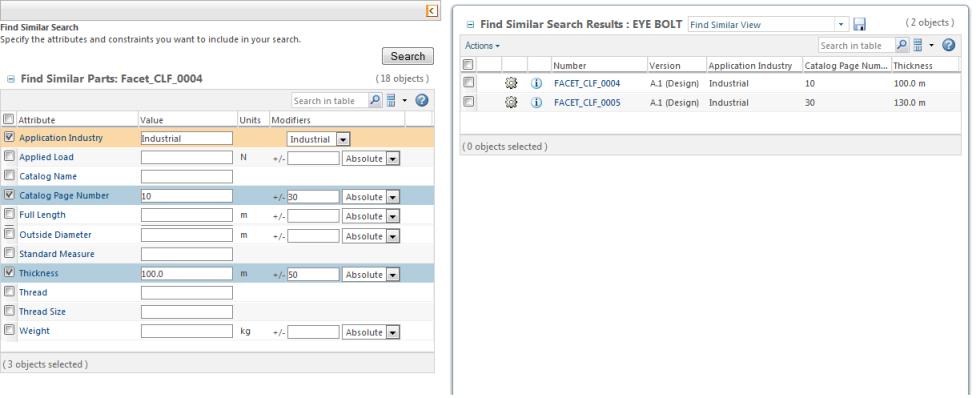
You can use the Find Similar Objects action to search for objects by adjusting the values of a selected object. For more information, see Finding Similar Objects.