Replace a Model in a Procedure
You can replace an entire model in a procedure using the following steps.
1. Open the procedure for which you want to replace the model.
2. Upload the new 3D model by navigating to > > or open an existing one from your asset library that you want to replace the existing model.

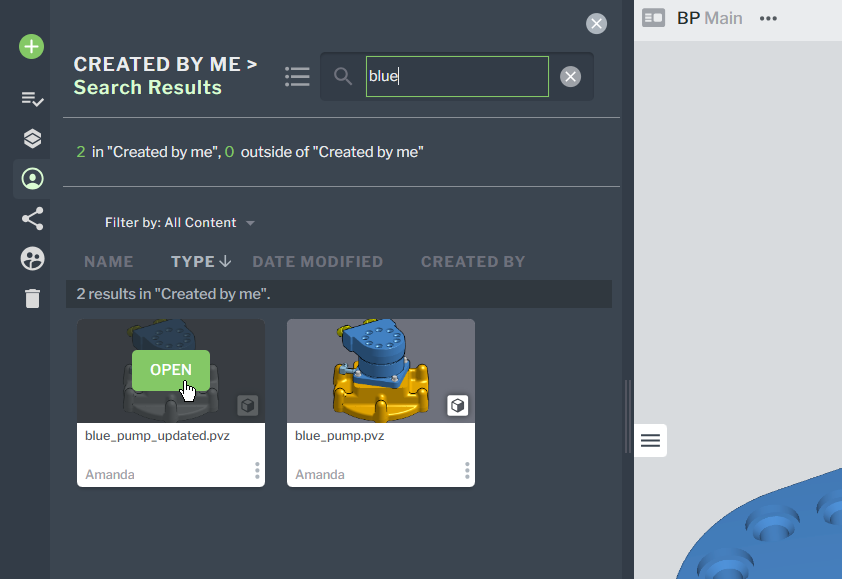
3. With the procedure still open, click OPEN on the new 3D model tile.
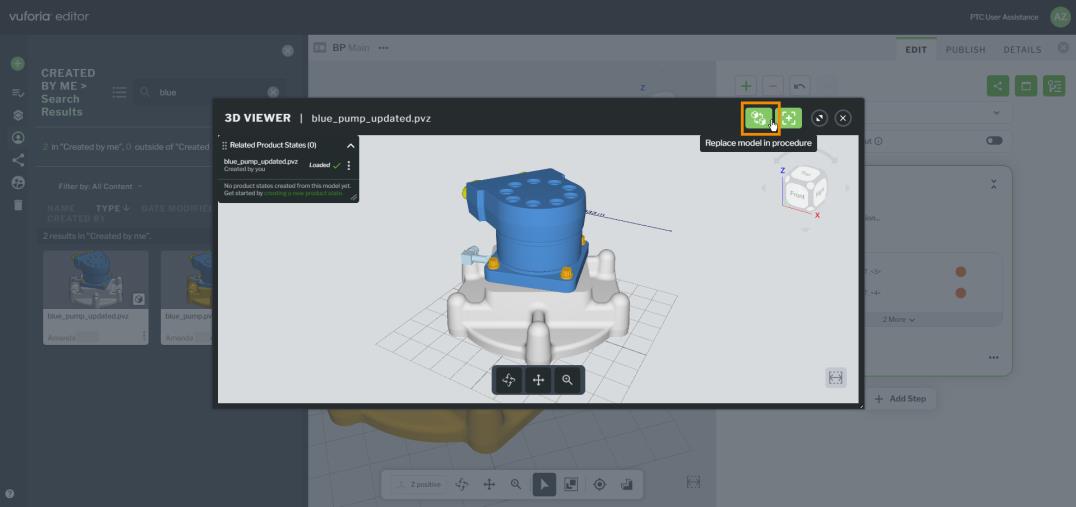
4. On the 3D VIEWER window, click the Replace model in procedure button.