Service Modules
>
Scheduling and Optimization
>
Service Board
>
Max Platform Configuration
>
Max Platform for Administrators
>
About List Views
>
Working With List Views
>
Editing Field Values Inline
To edit field values inline:
1.
In any
Max Designer
or
Max Admin
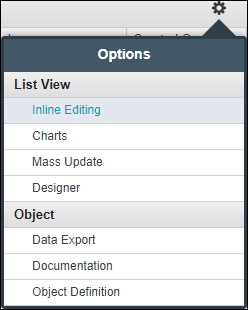
list view, in the top right corner, click
Options (
)
>
Inline Editing
.
2.
Click in any cell to edit its values inline, and then click outside the cell to update the record.
Was this helpful?
This site works best with JavaScript enabled