Creating Roles
To create Roles:
1. In Max Admin, click User Management ( ) > , and then in the list view, in the top left corner, click Create (
 ).
).
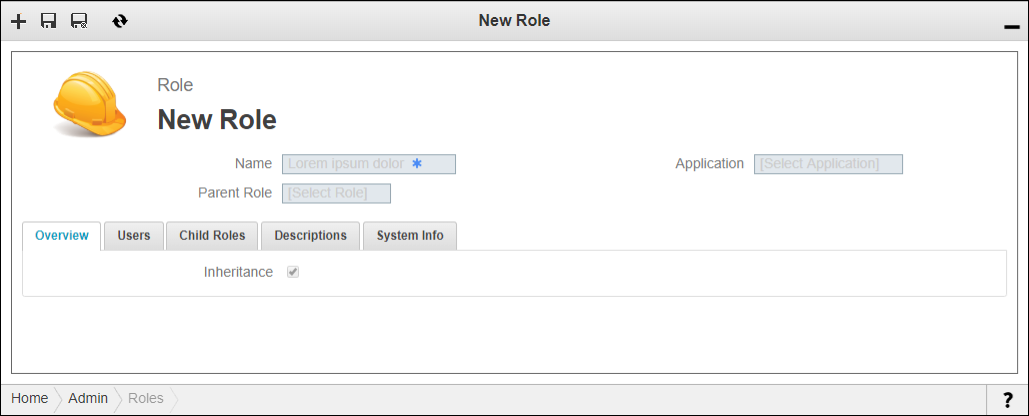
) > , and then in the list view, in the top left corner, click Create ().2. On the New Role page, in the Name field, enter a name for the Role, and then in the Parent Role field, if applicable, select a parent Role to which you want to apply the Permissions to be defined for this Role.
 |
For the Role object, permission hierarchy is traversed upward by the access control system. Therefore, when you grant permission to a Role, the value you set is is inherited by all its ascendants.
|
3. In the Application field, select an application with which to associate the Role, and then in the top left corner, click Save and Close ( ).
).
).